IO·01
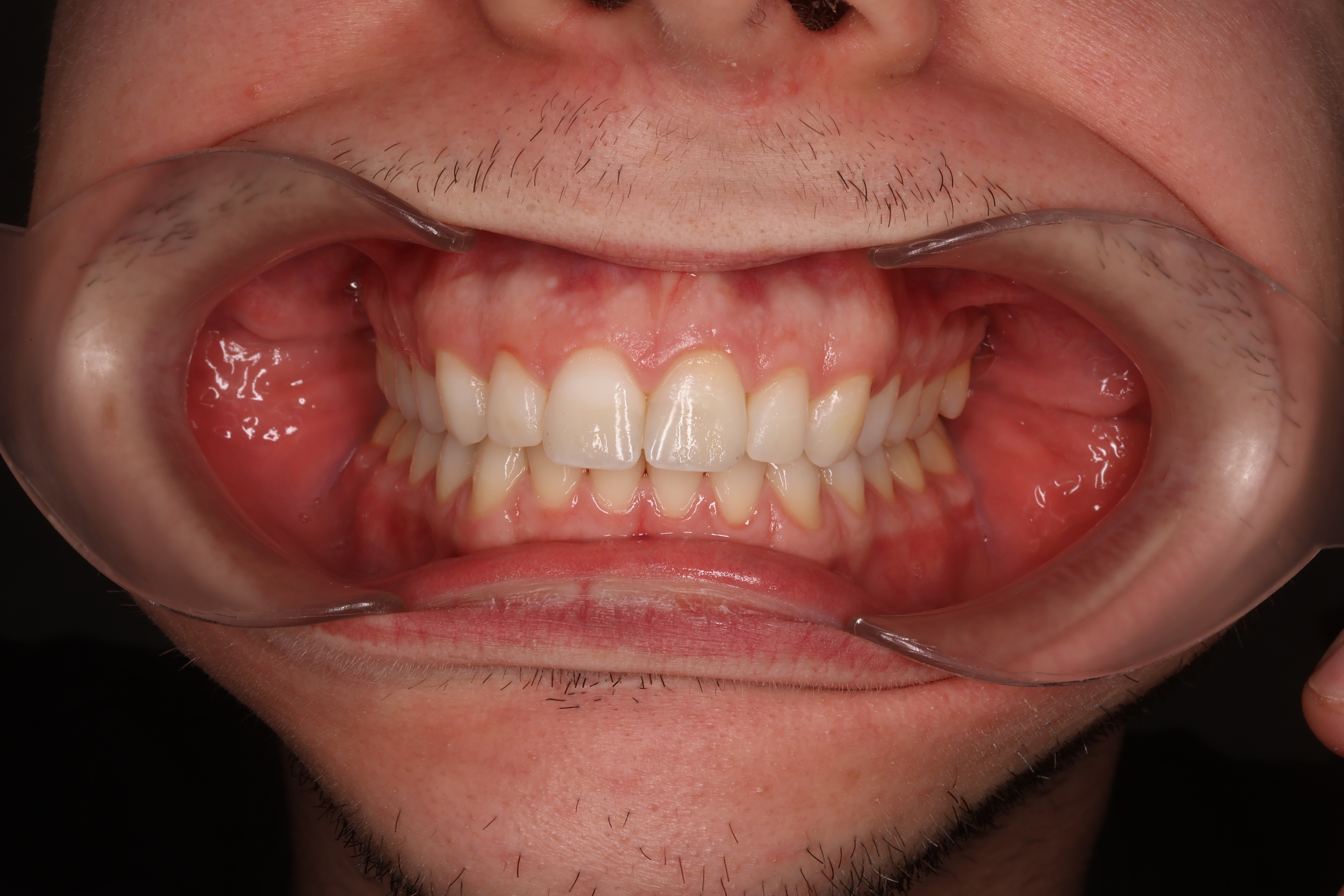
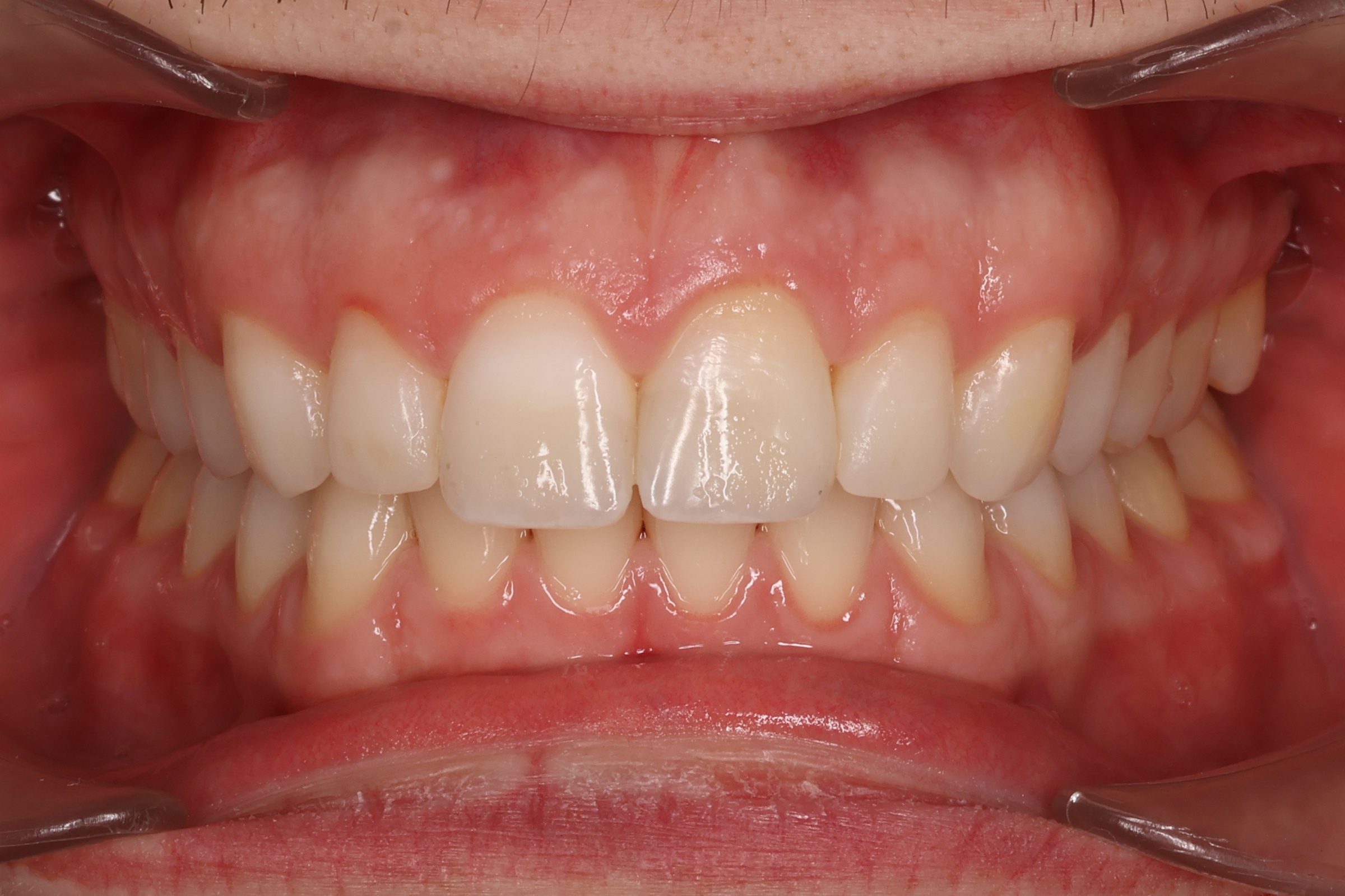
Frontal — closed
Frontal view with teeth in occlusion.
io-frontalni.jpg

SmileCrop automatically recognizes, crops, and sorts 17 standard clinical photo types — intraoral and extraoral — plus the patient identification QR frame.
Shots inside the oral cavity — frontal, lateral, and occlusal views. Shoot in landscape orientation.
Frontal view with teeth in occlusion.
io-frontalni.jpg
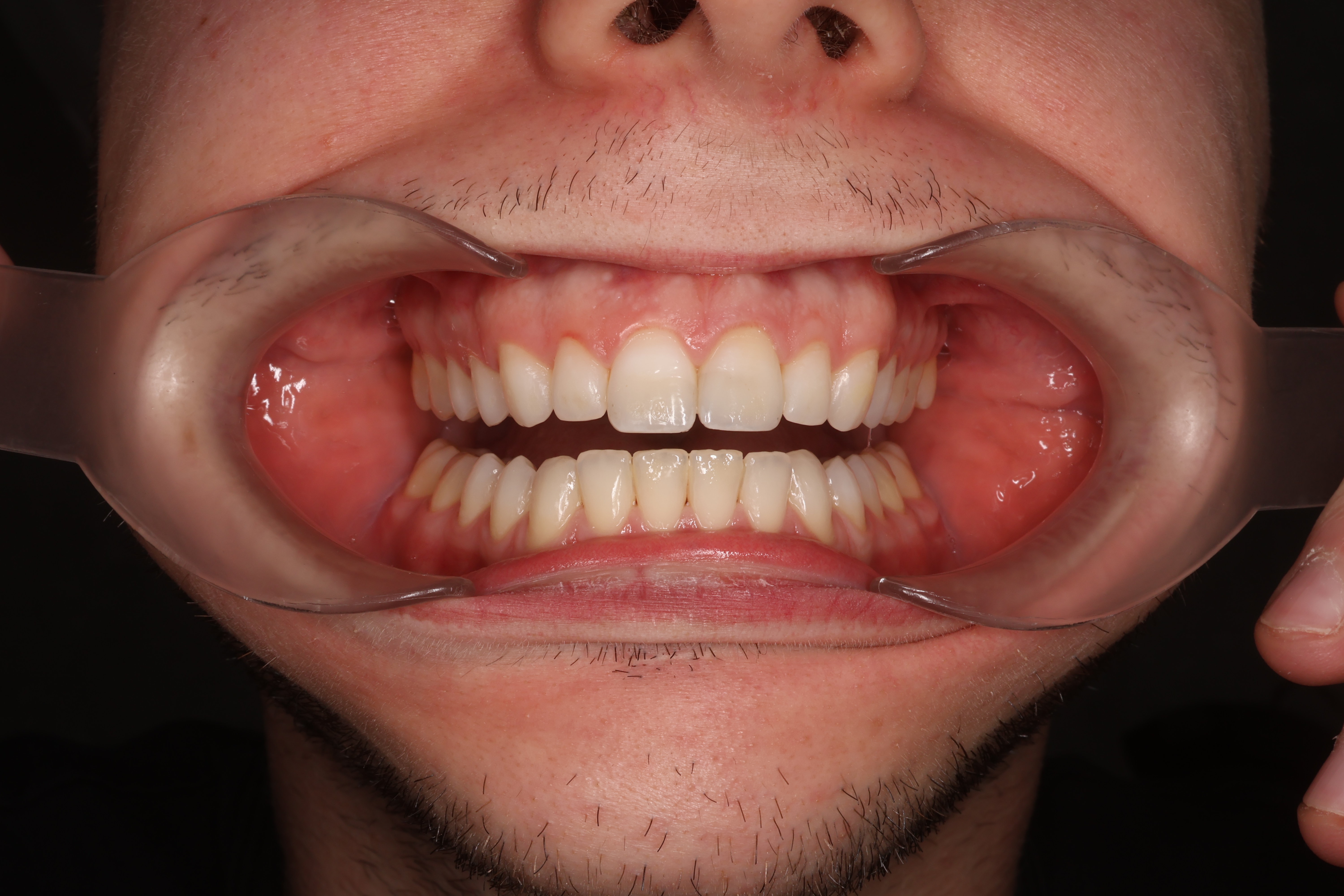
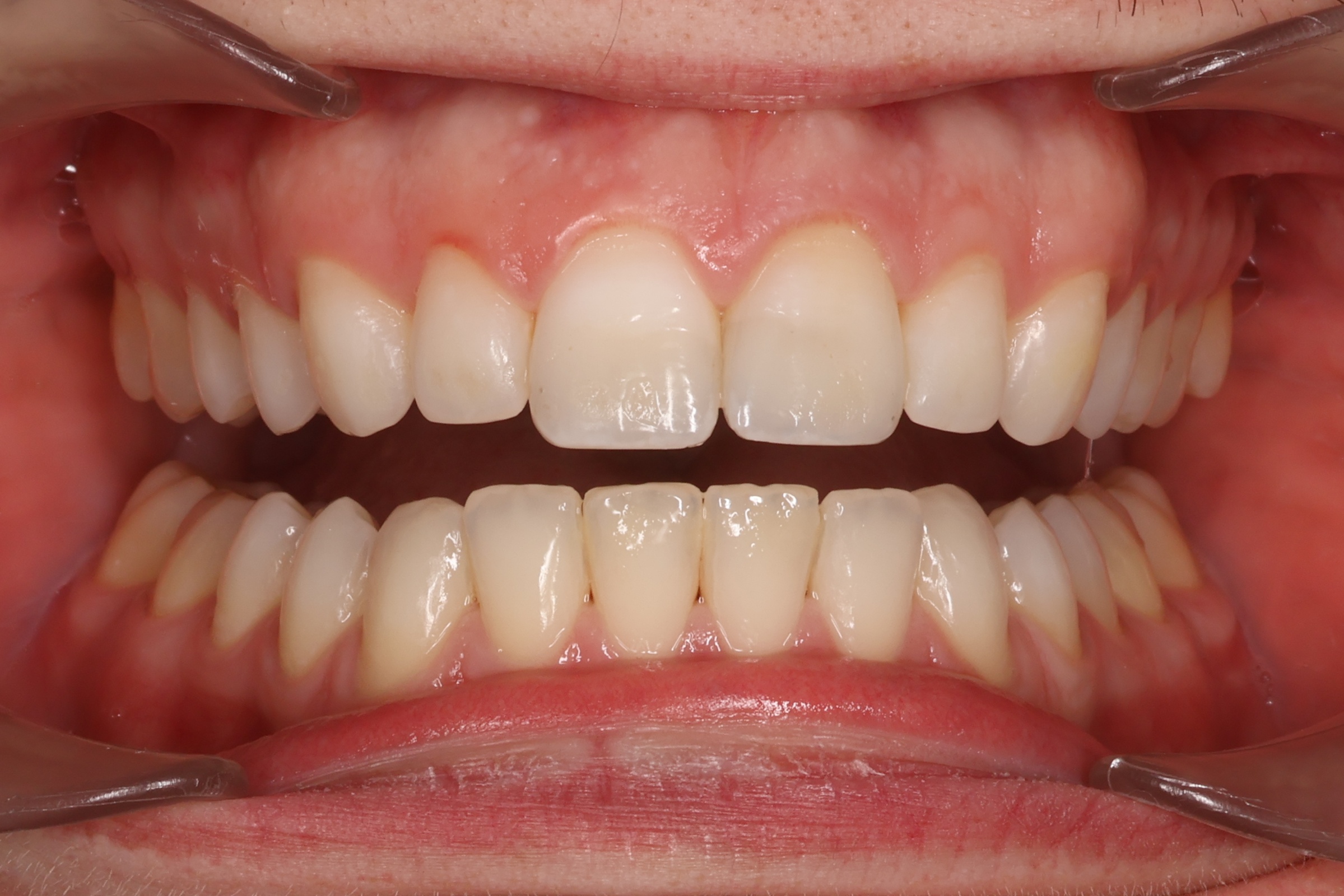
Frontal view with mouth slightly open — Incisal surfaces of both arches visible.
io-frontalni-otevreny.jpg
Right side of the bite.
io-pravy.jpg
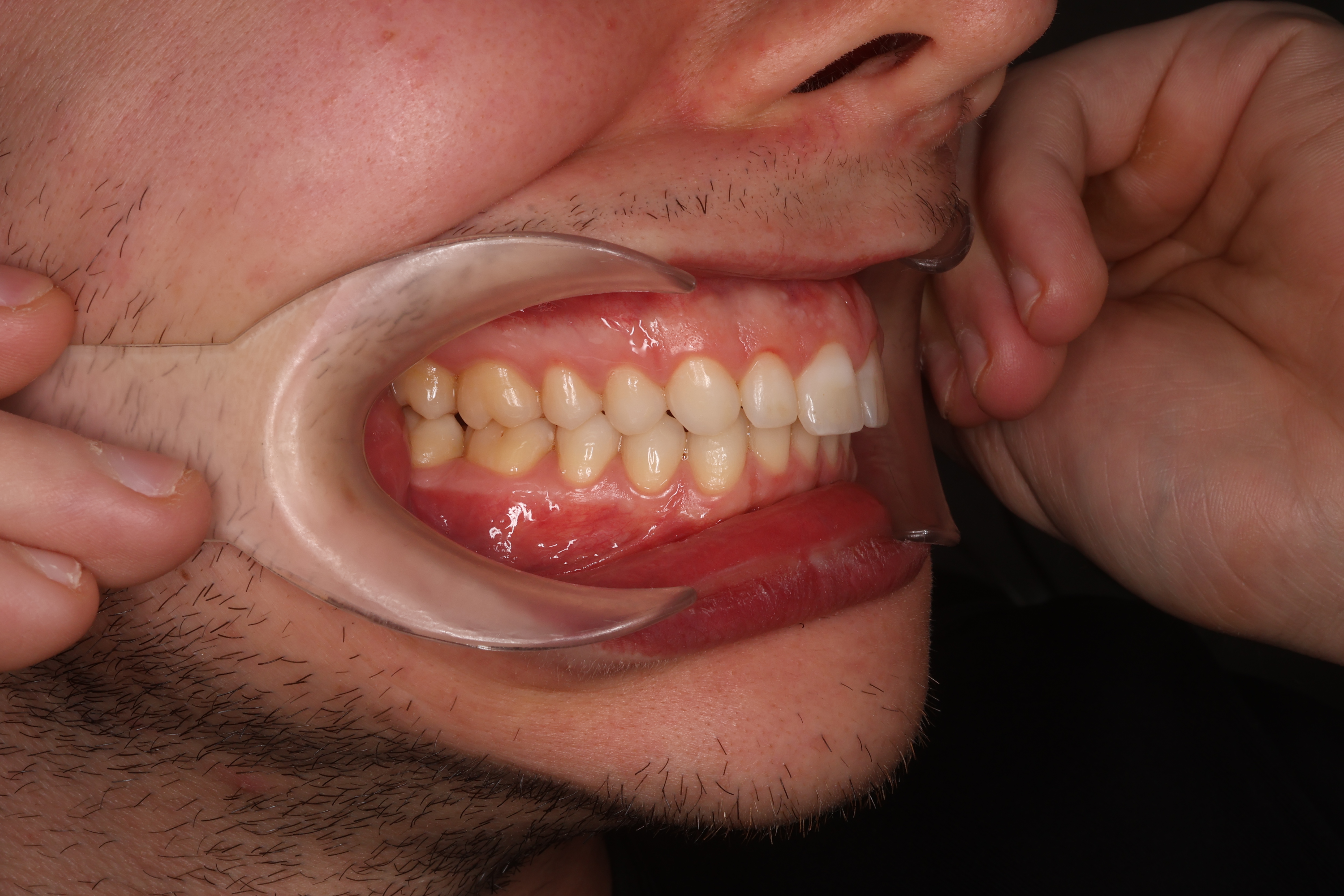
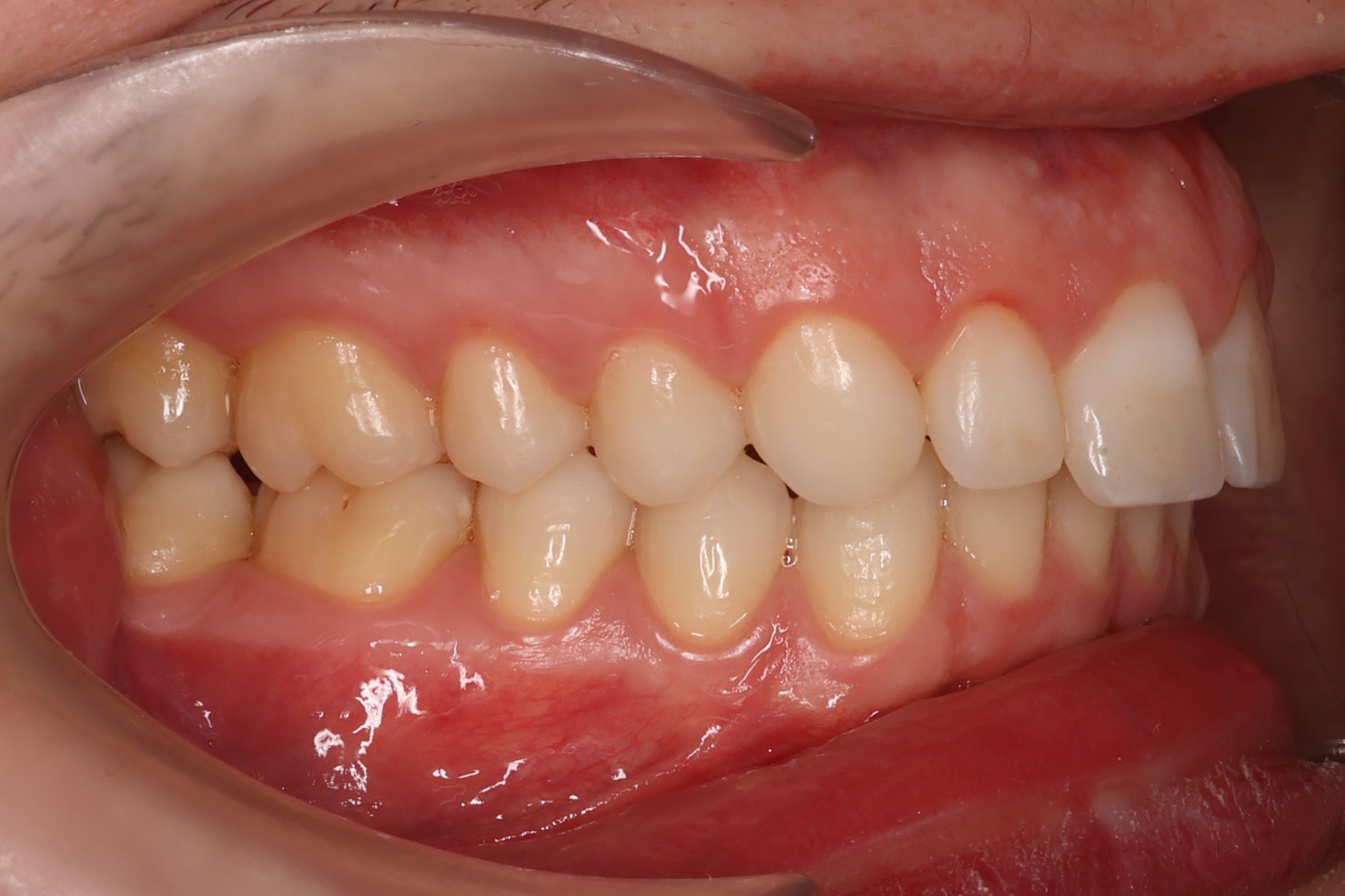
Left side of the bite.
io-levy.jpg
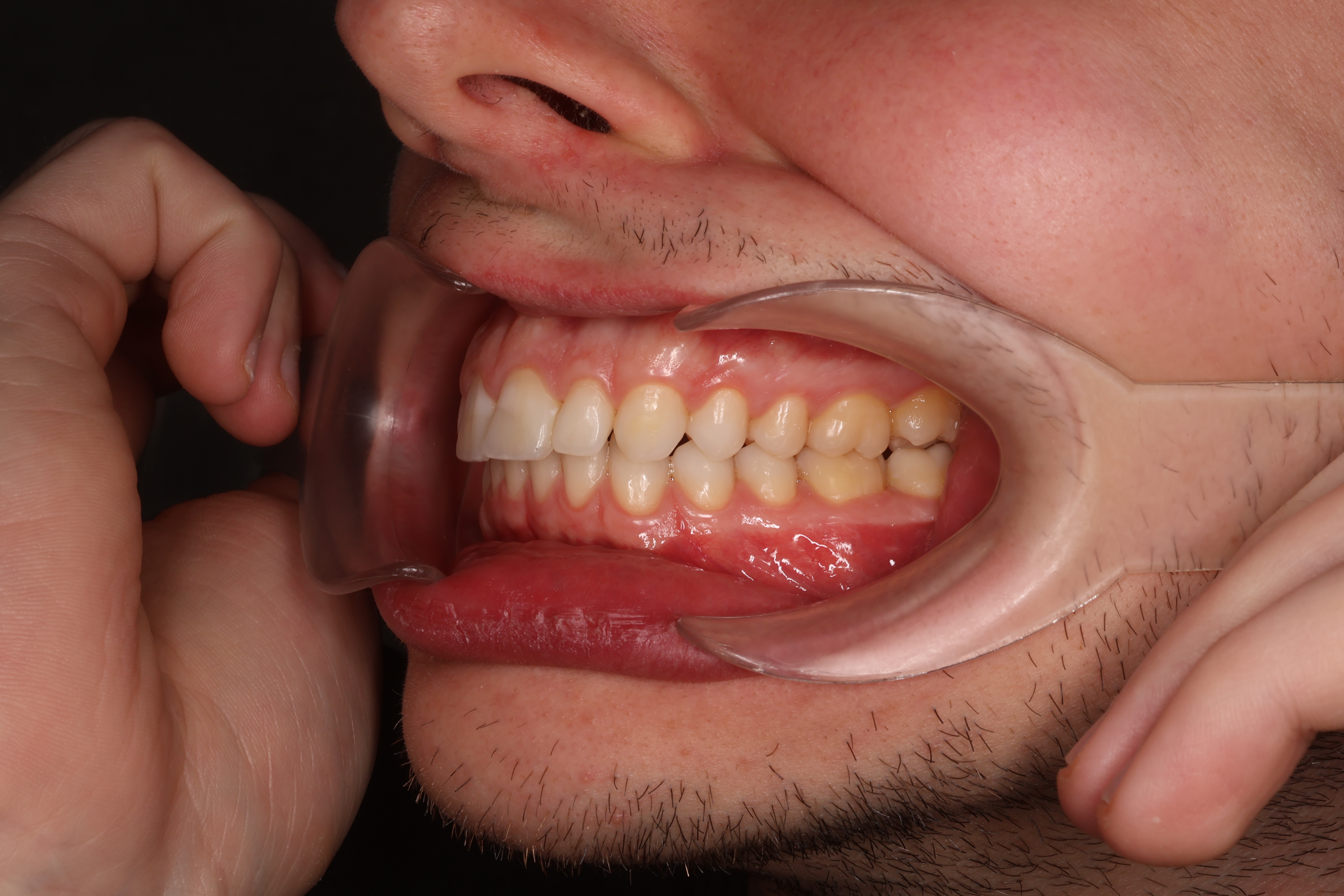
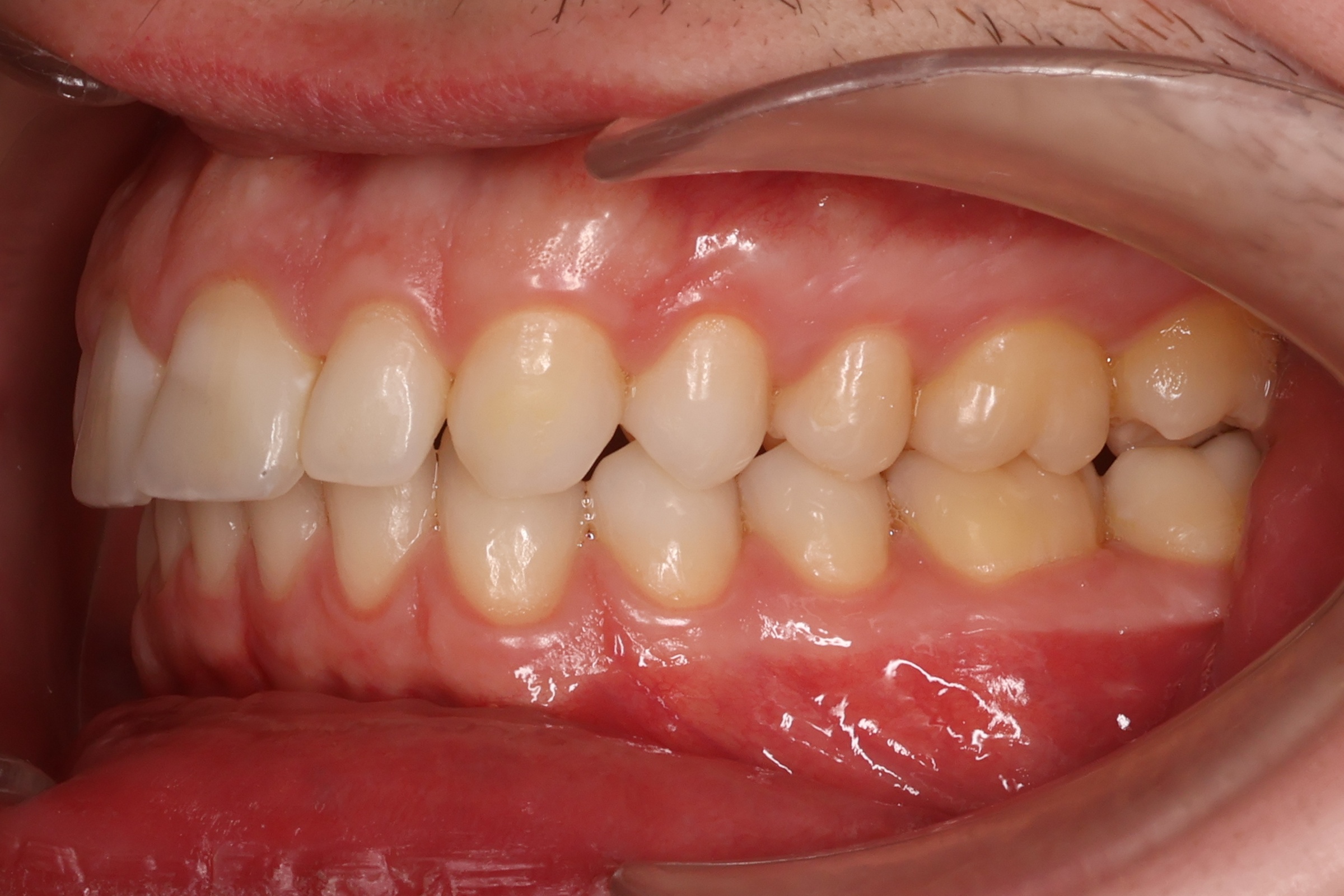
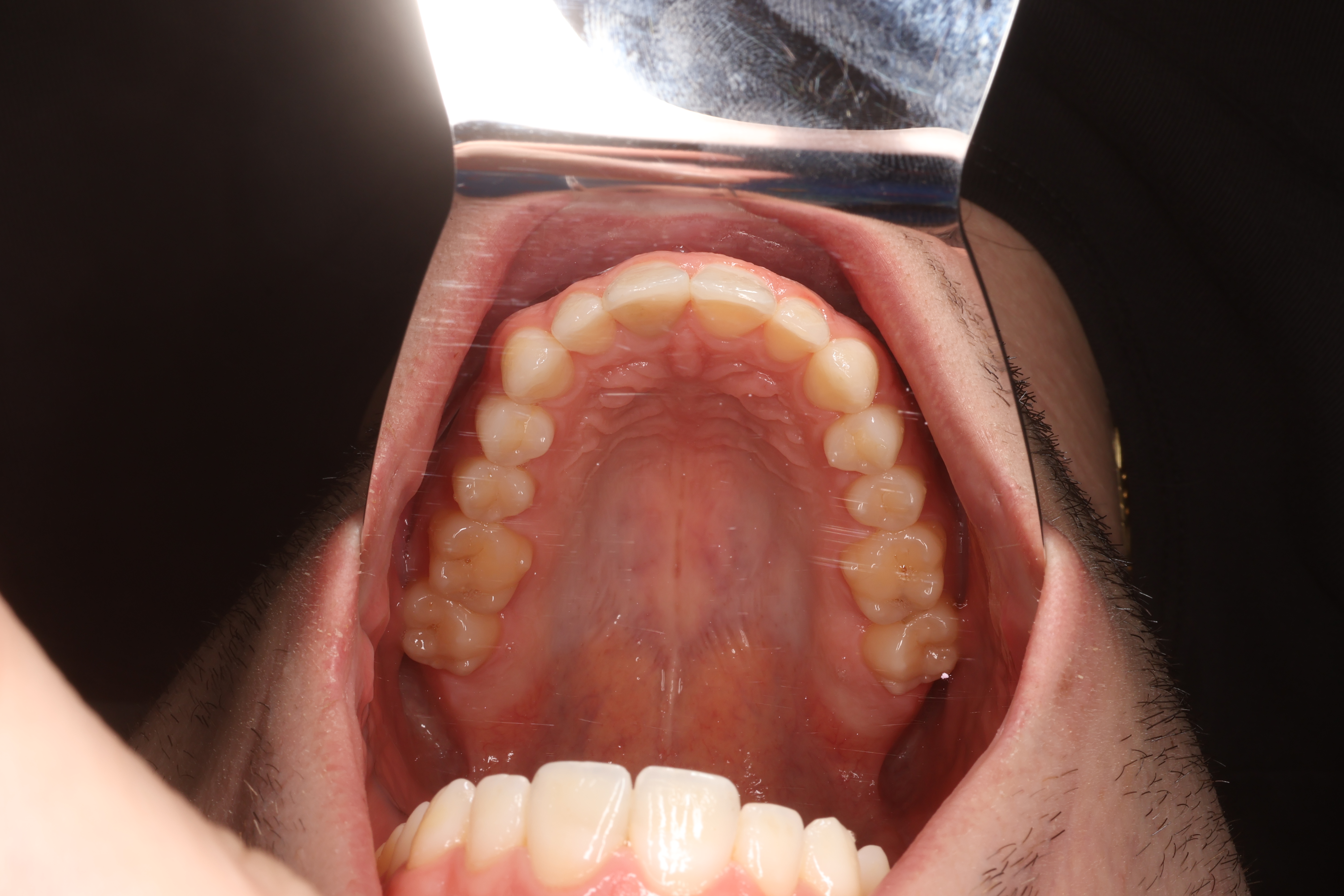
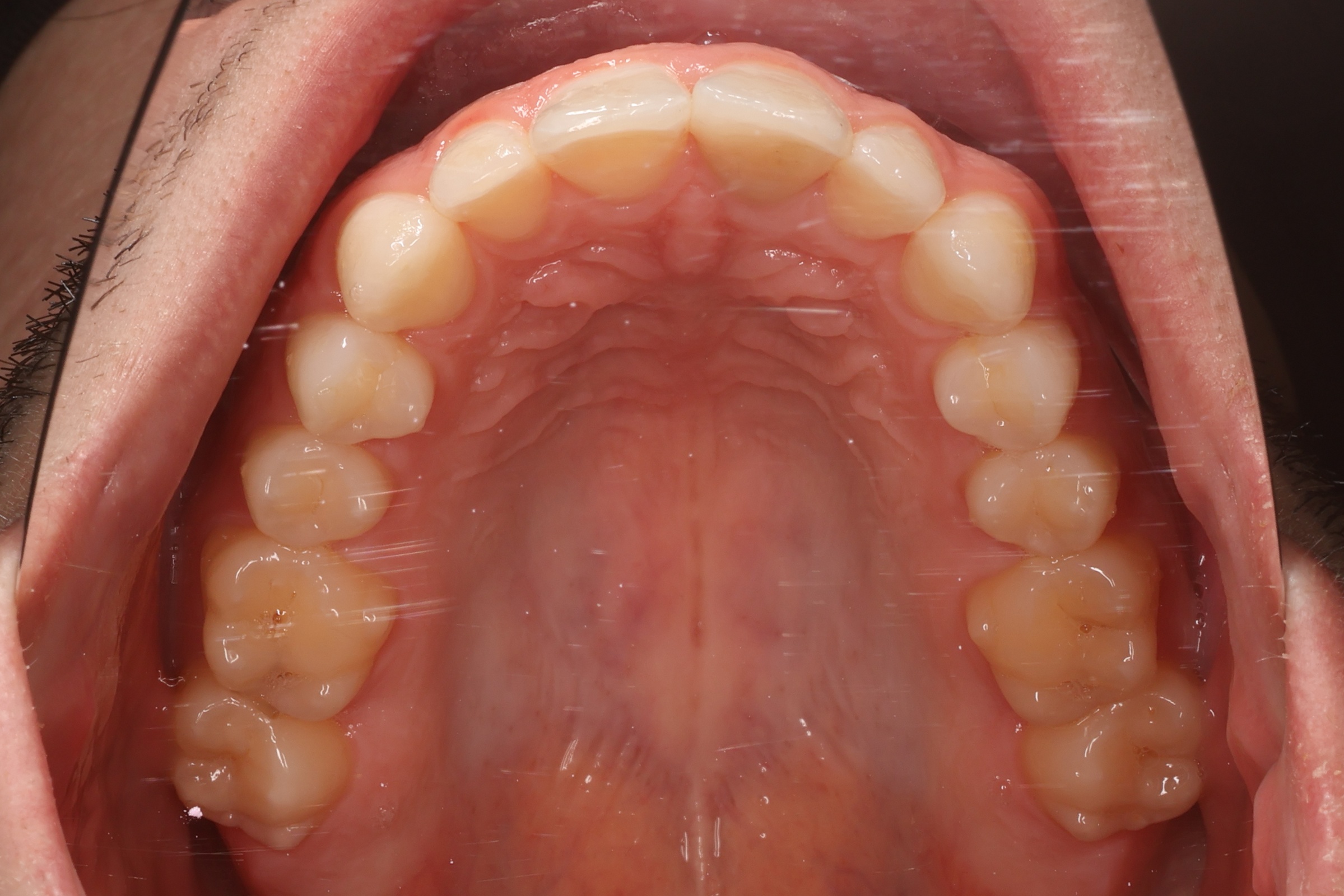
Upper dental arch via mirror — arch shape and palatal surfaces.
io-horni.jpg
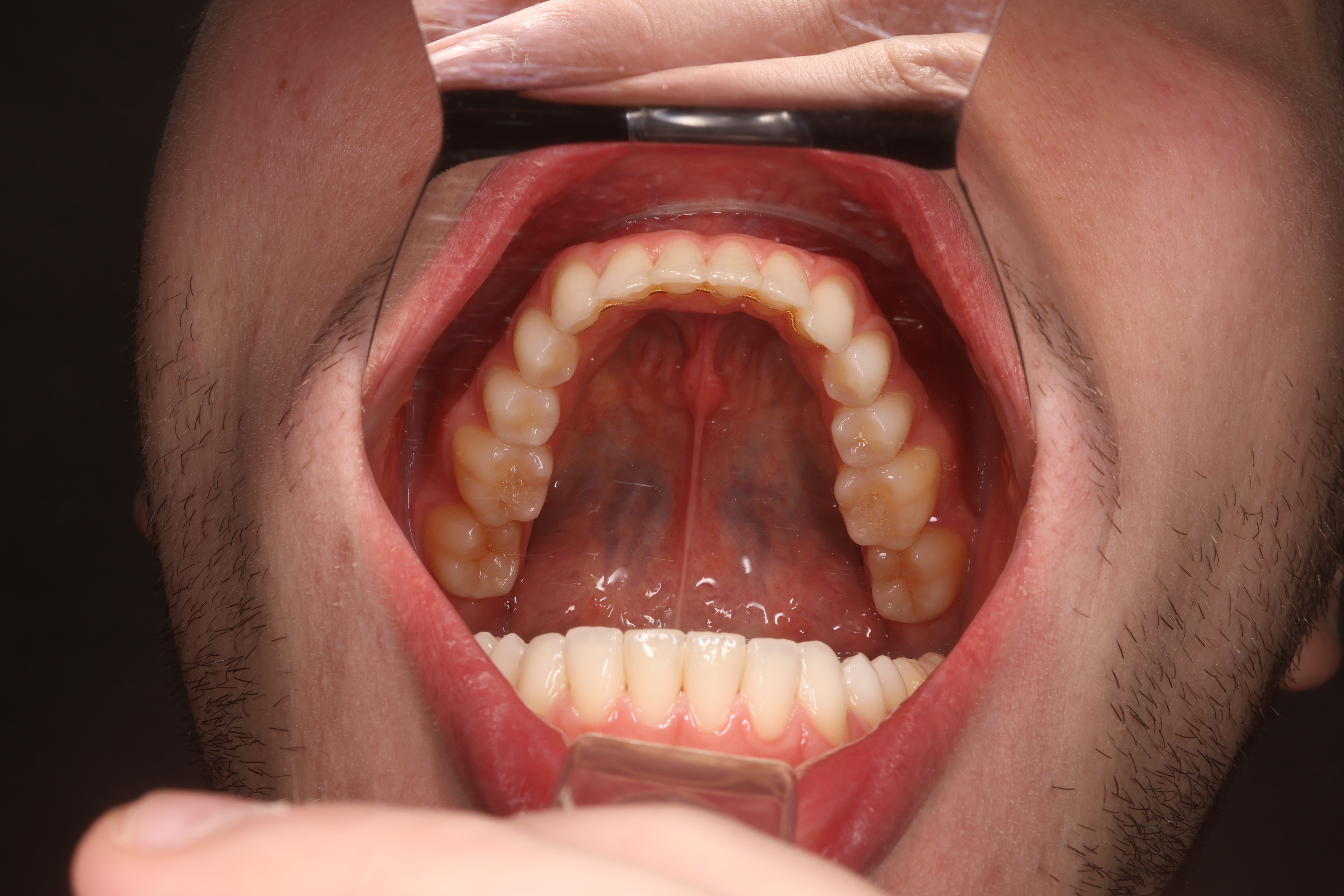
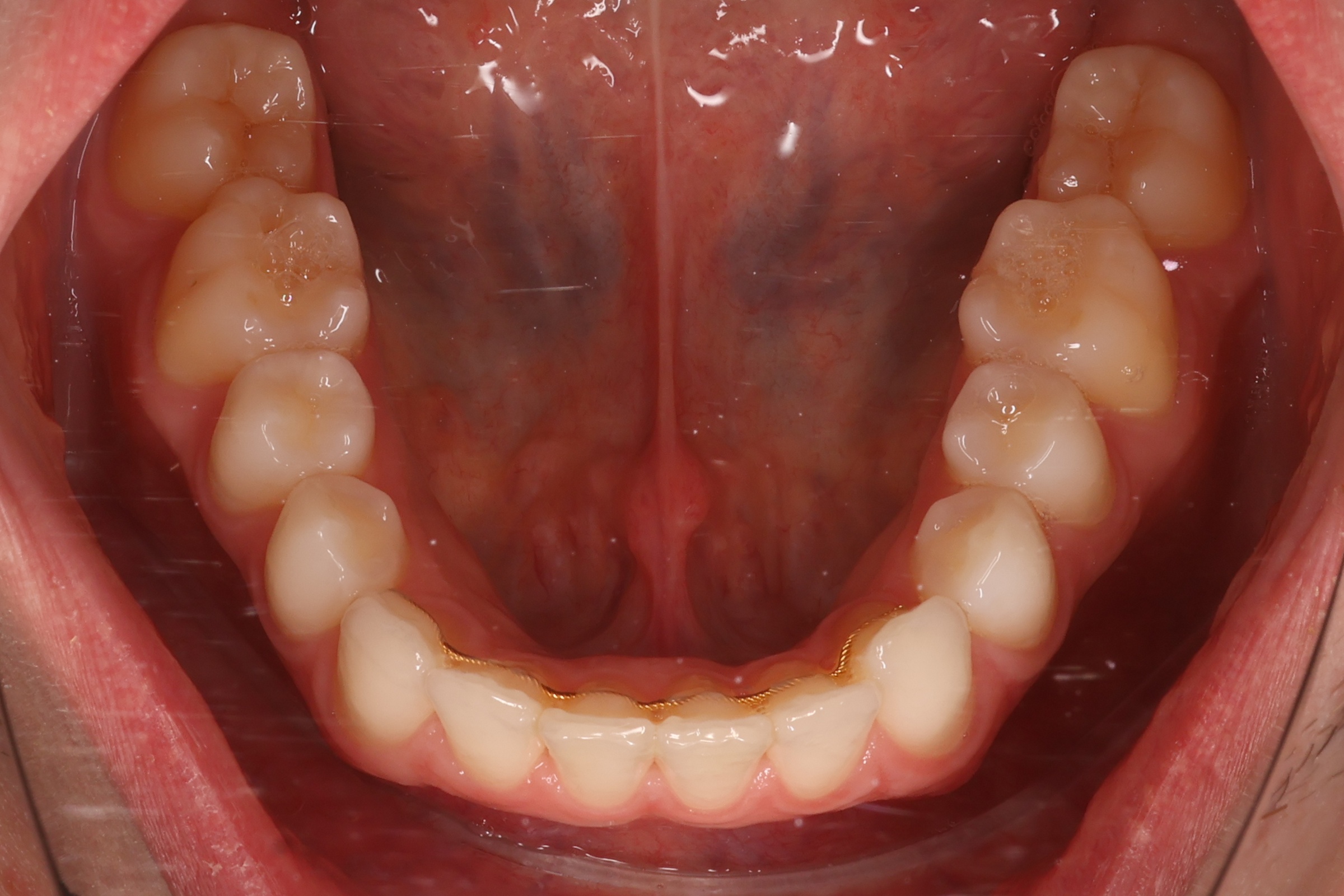
Lower dental arch via mirror — arch shape and lingual surfaces.
io-dolni.jpg
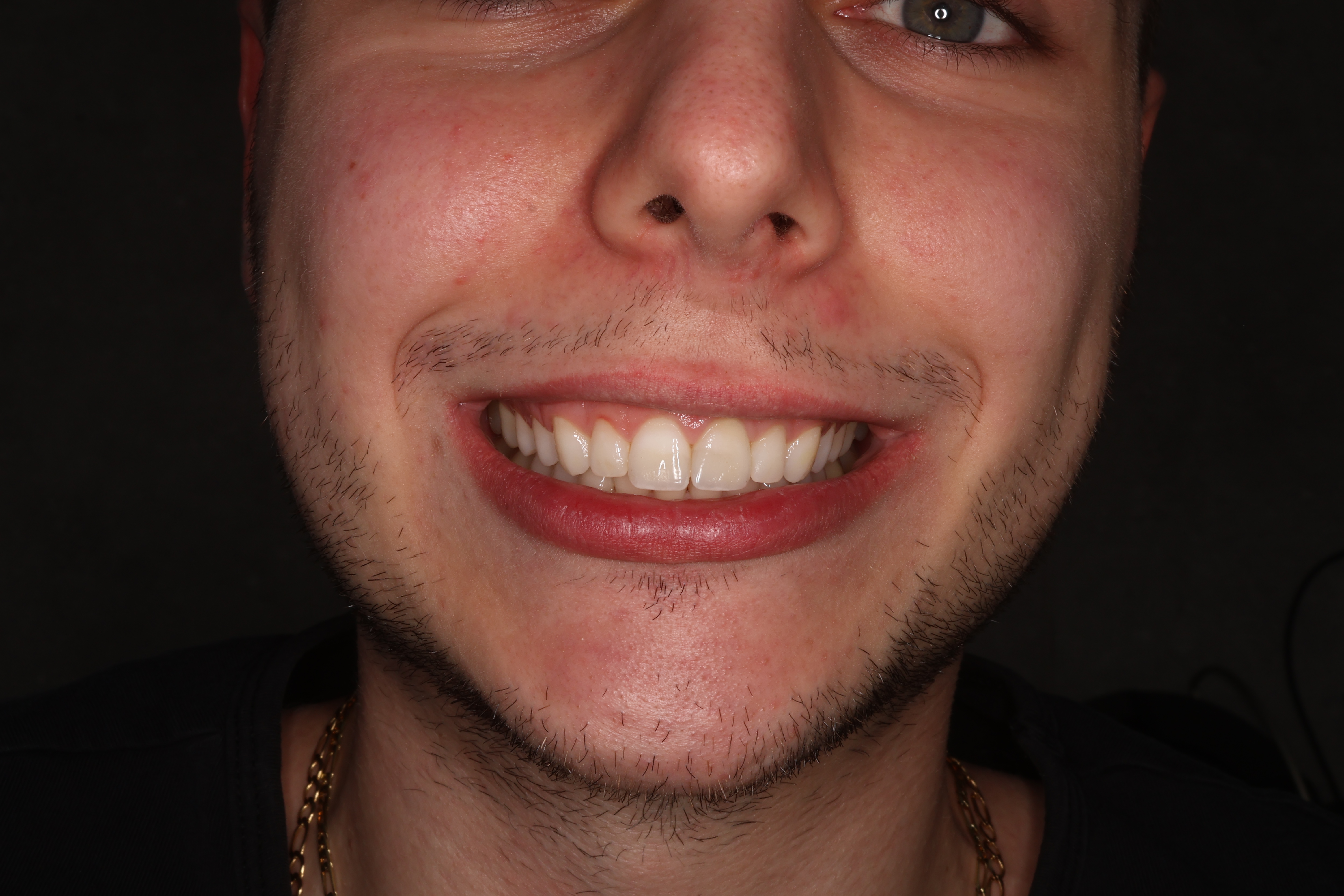
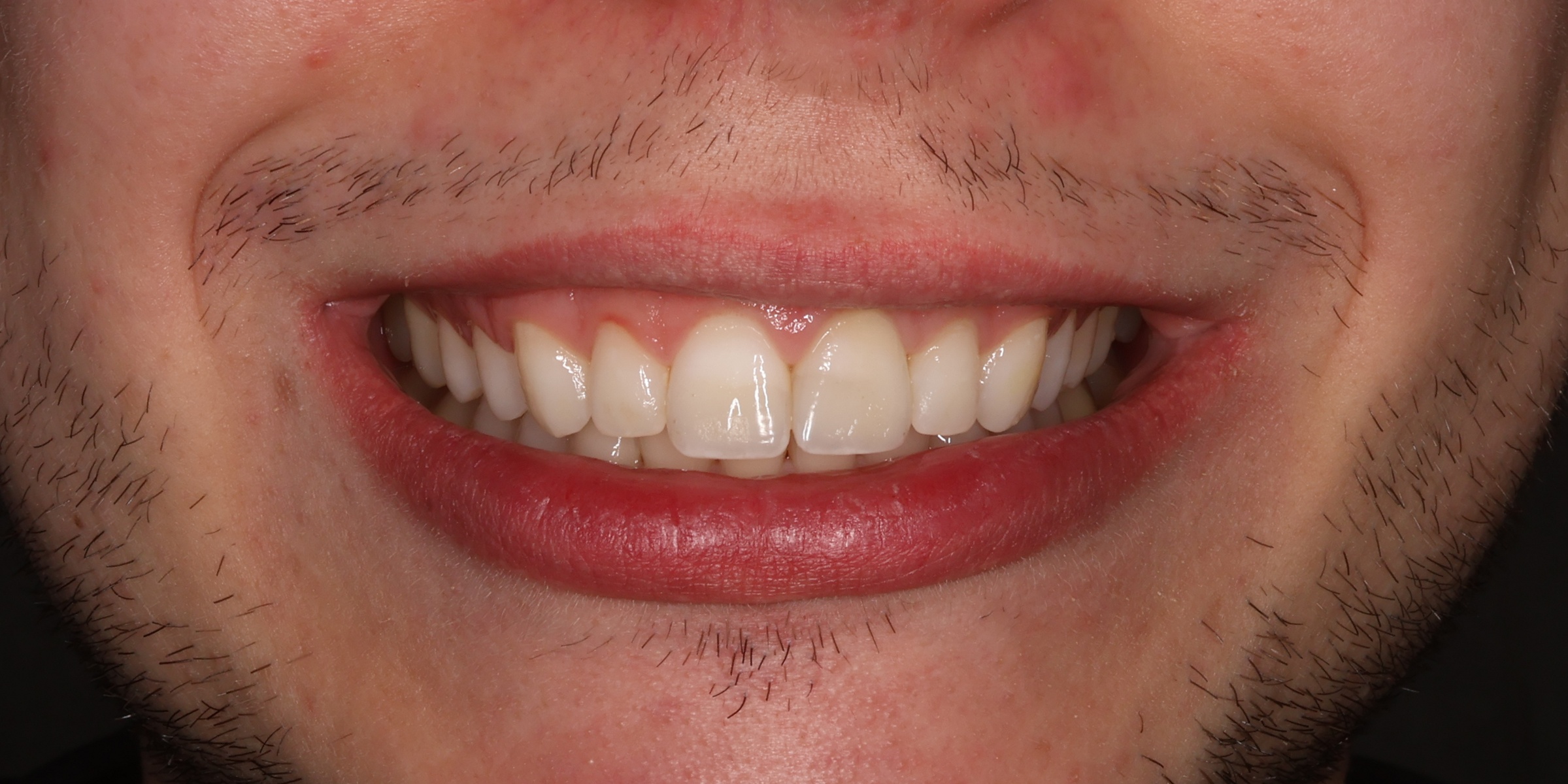
Close-up of the smile — anterior esthetics and tooth display.
io-usmev.jpg
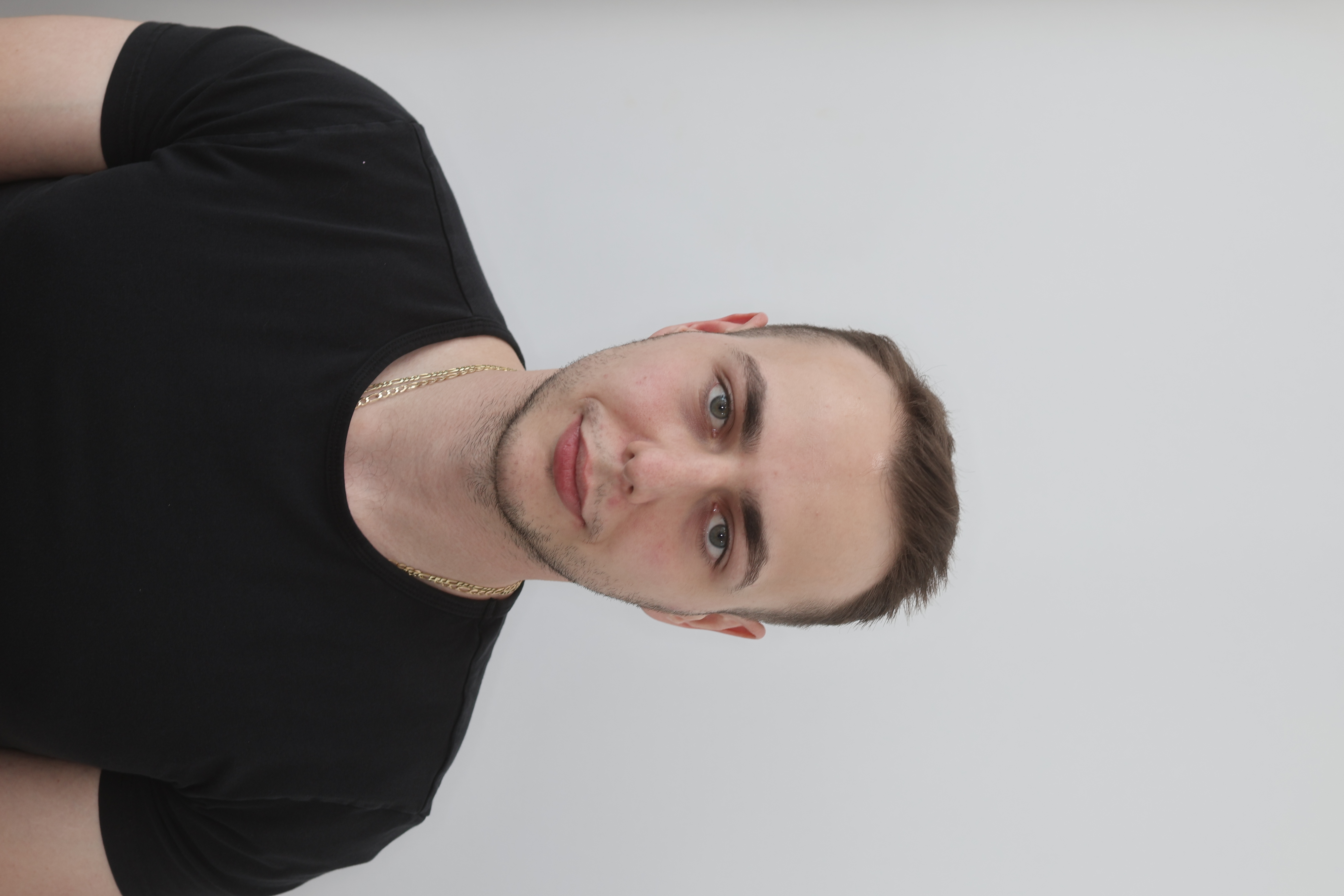
Face and profile shots — for symmetry and esthetics evaluation. Shoot in portrait orientation.
Frontal view with a natural expression — baseline for symmetry evaluation.
eo-predni.jpg
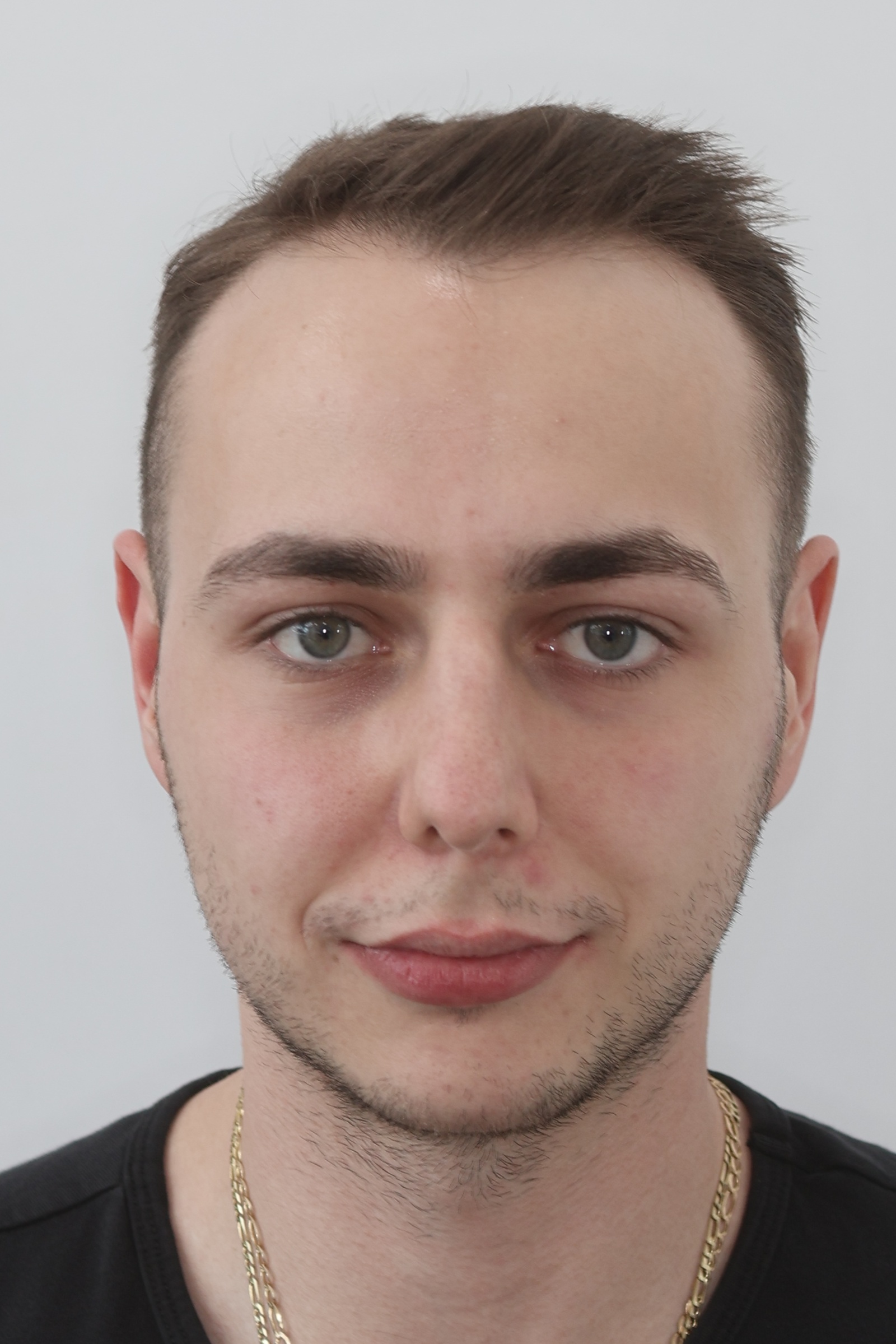
Frontal view with a smile — smile esthetics and tooth display.
eo-predni-usmev.jpg
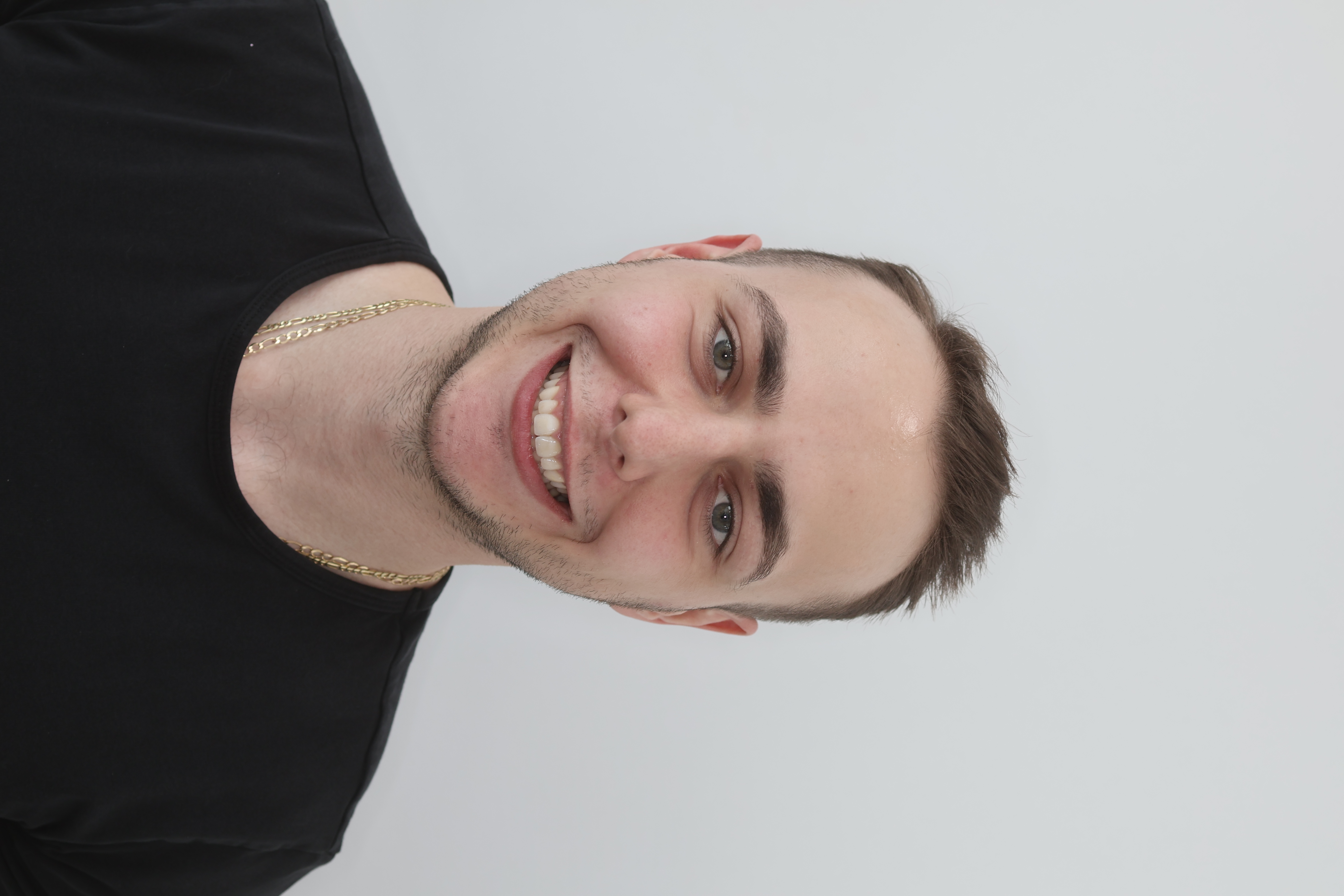
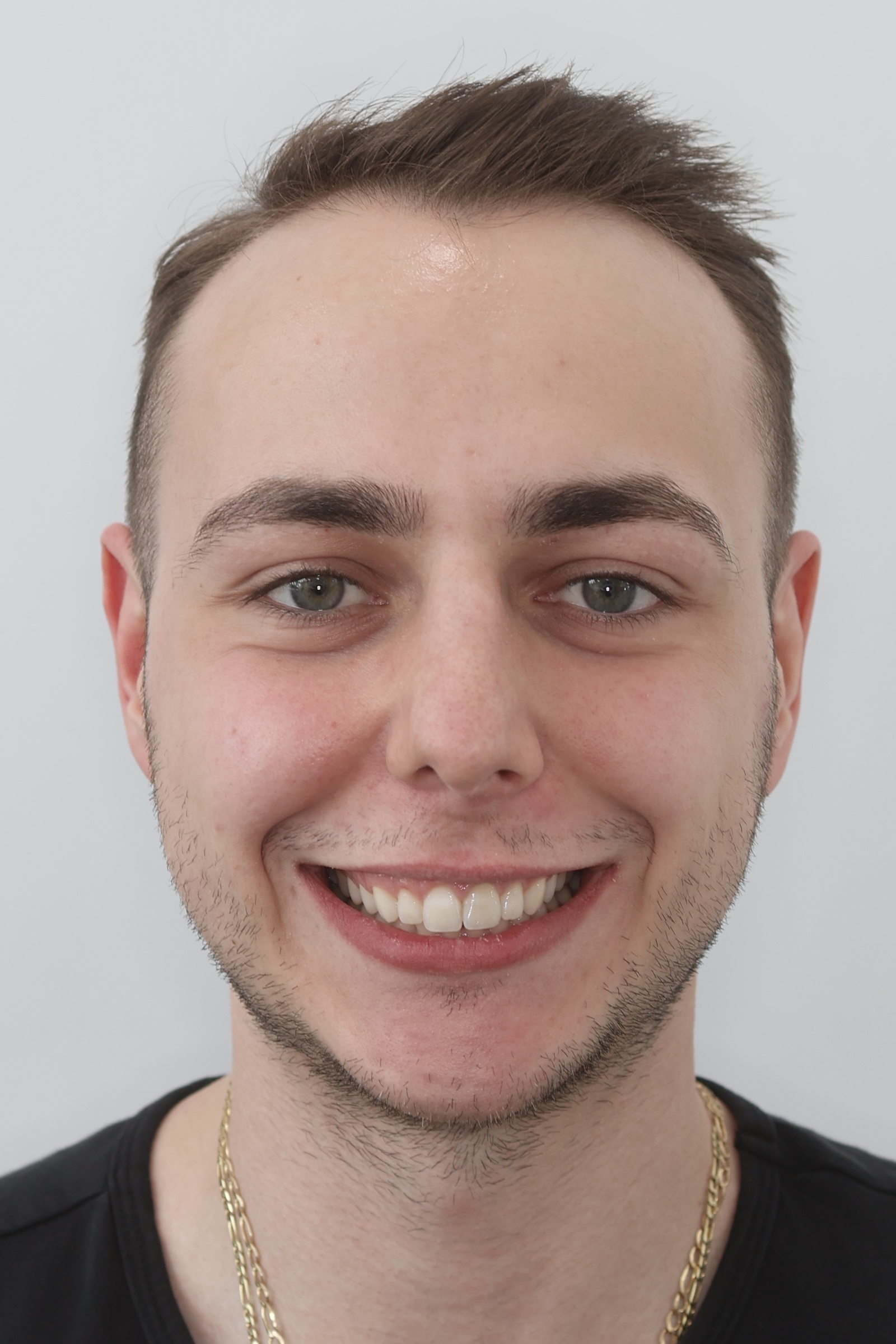
Left-side profile — bite class, lip profile, and facial convexity.
eo-levy.jpg
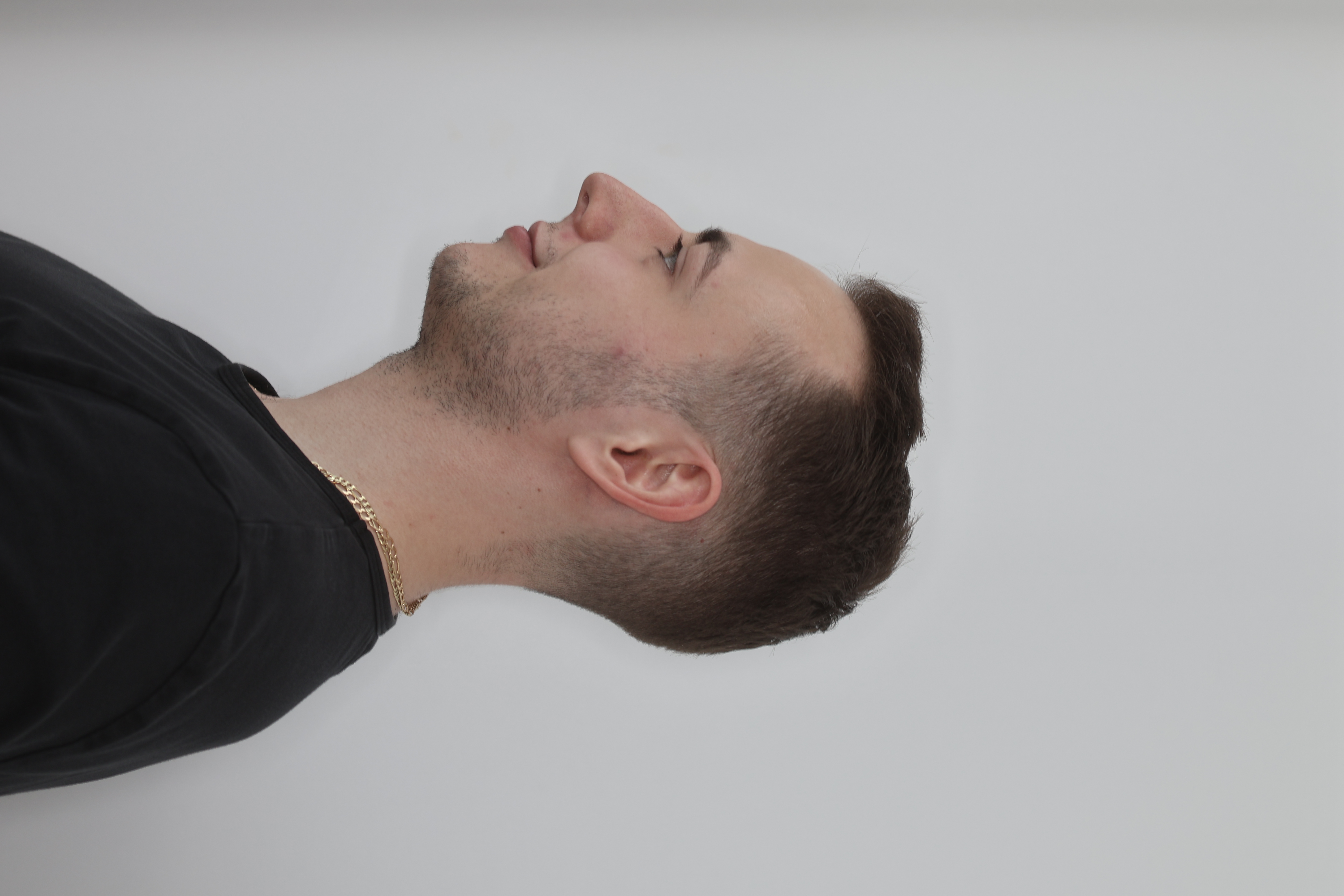
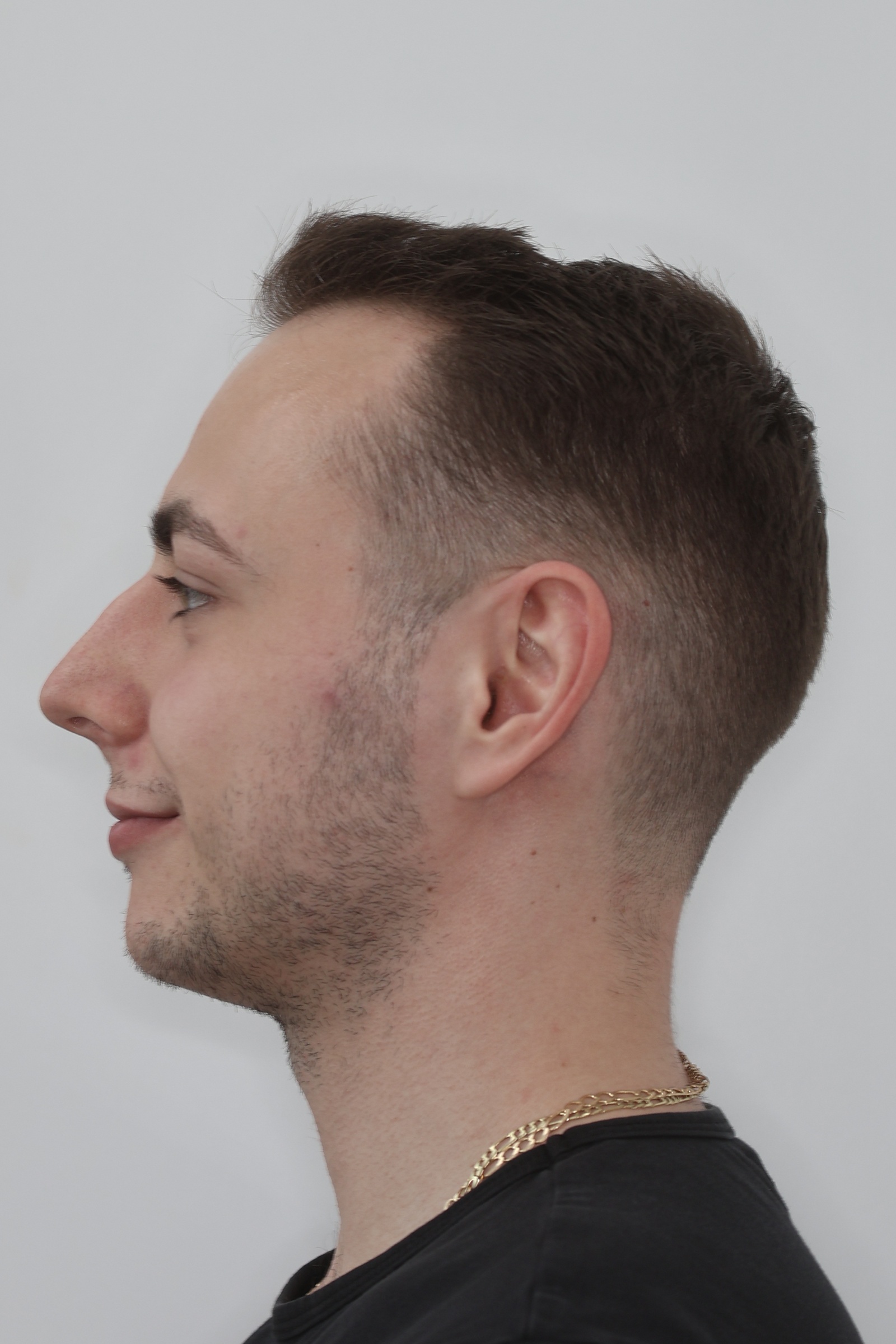
Left-side profile in a smile — dynamic lip and tooth esthetics.
eo-levy-usmev.jpg
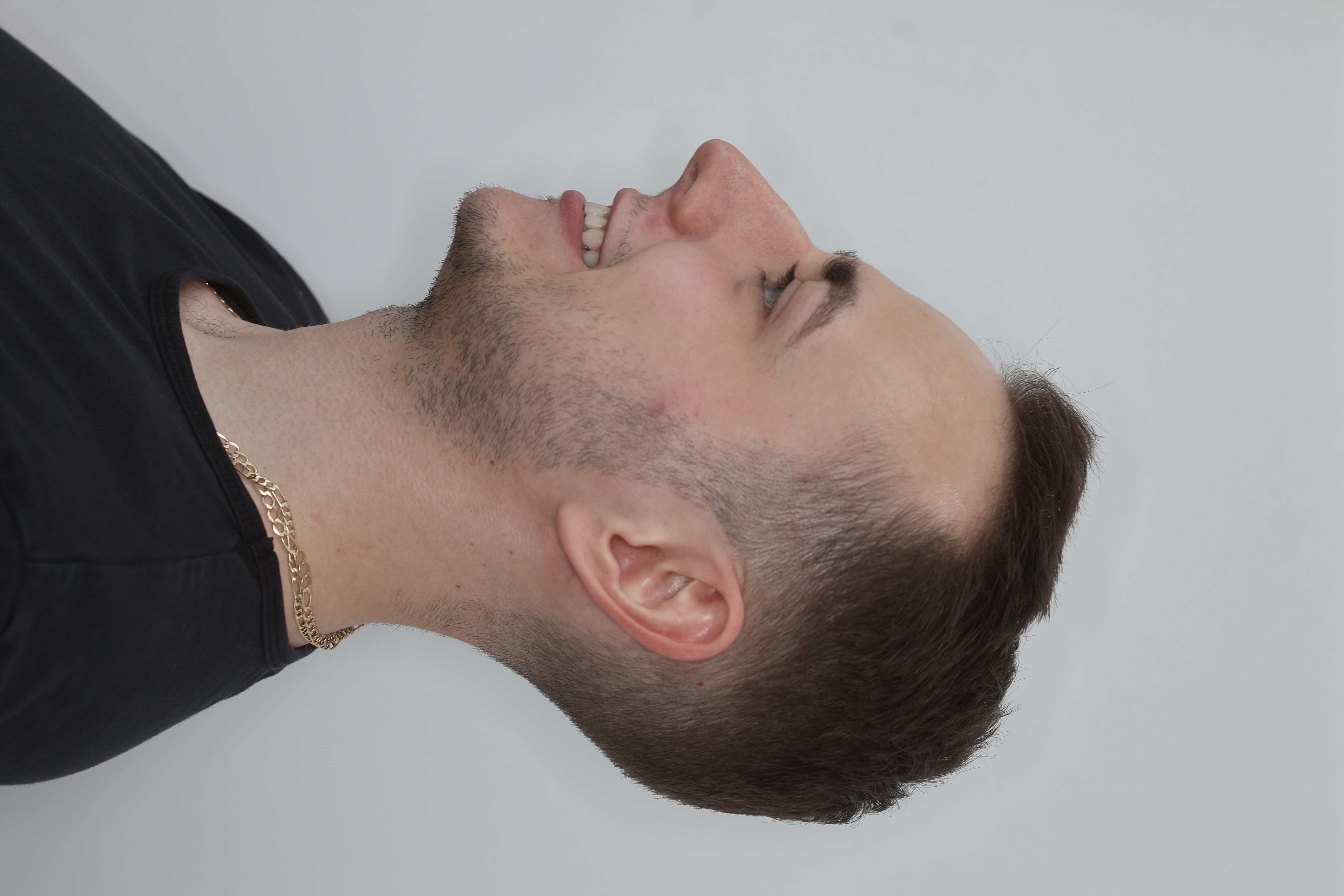
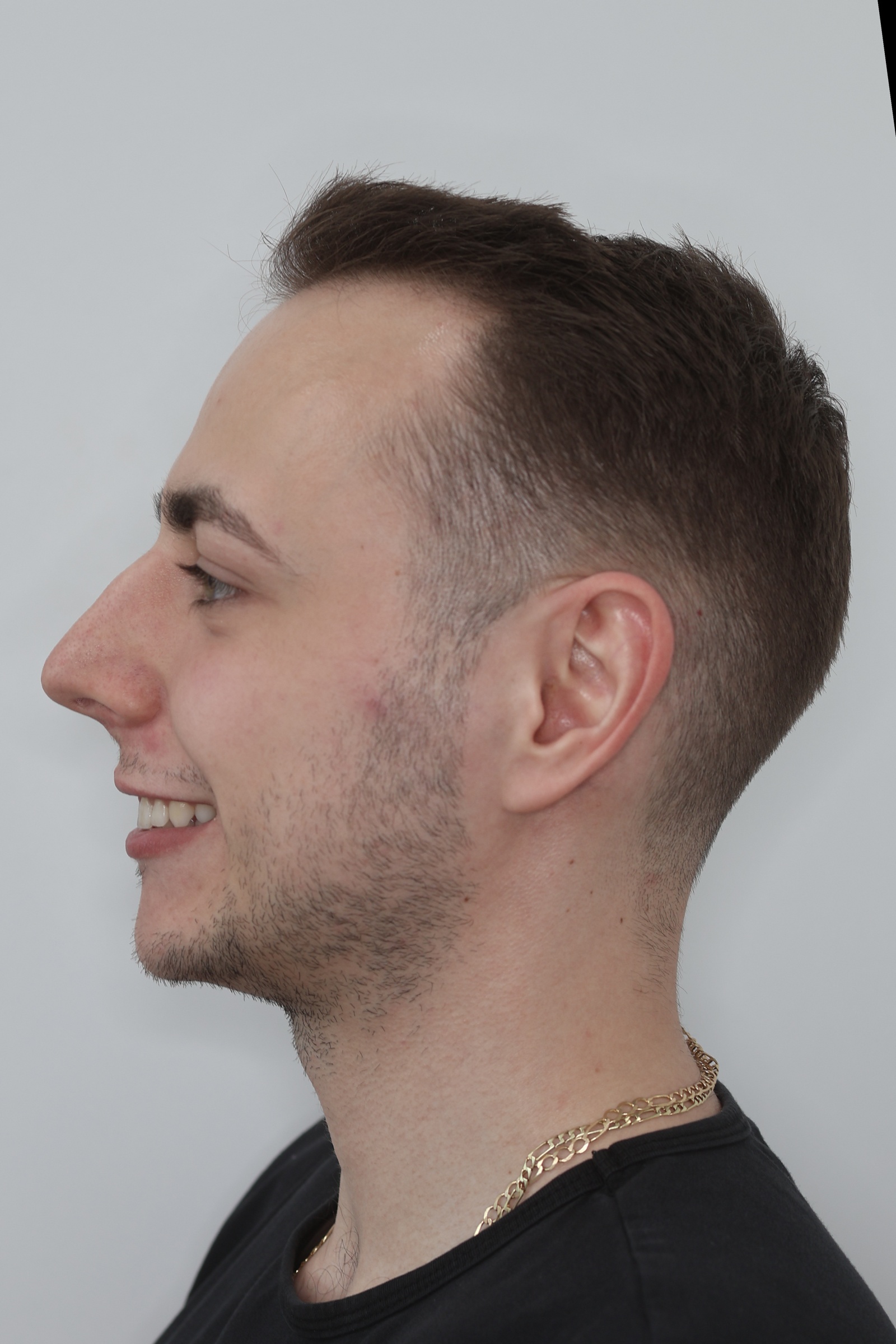
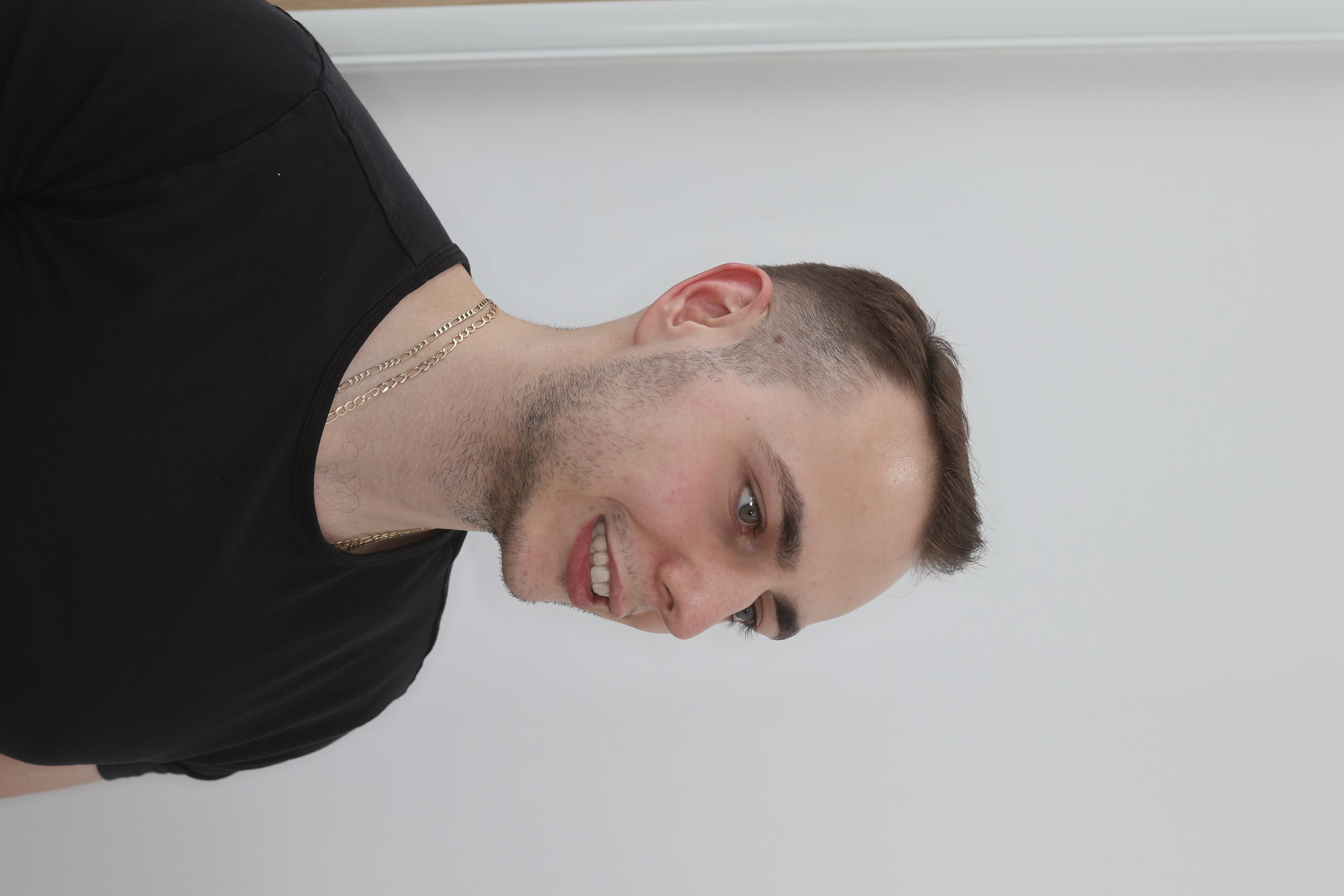
45° view from the left — three-dimensional facial evaluation.
eo-45-levy.jpg
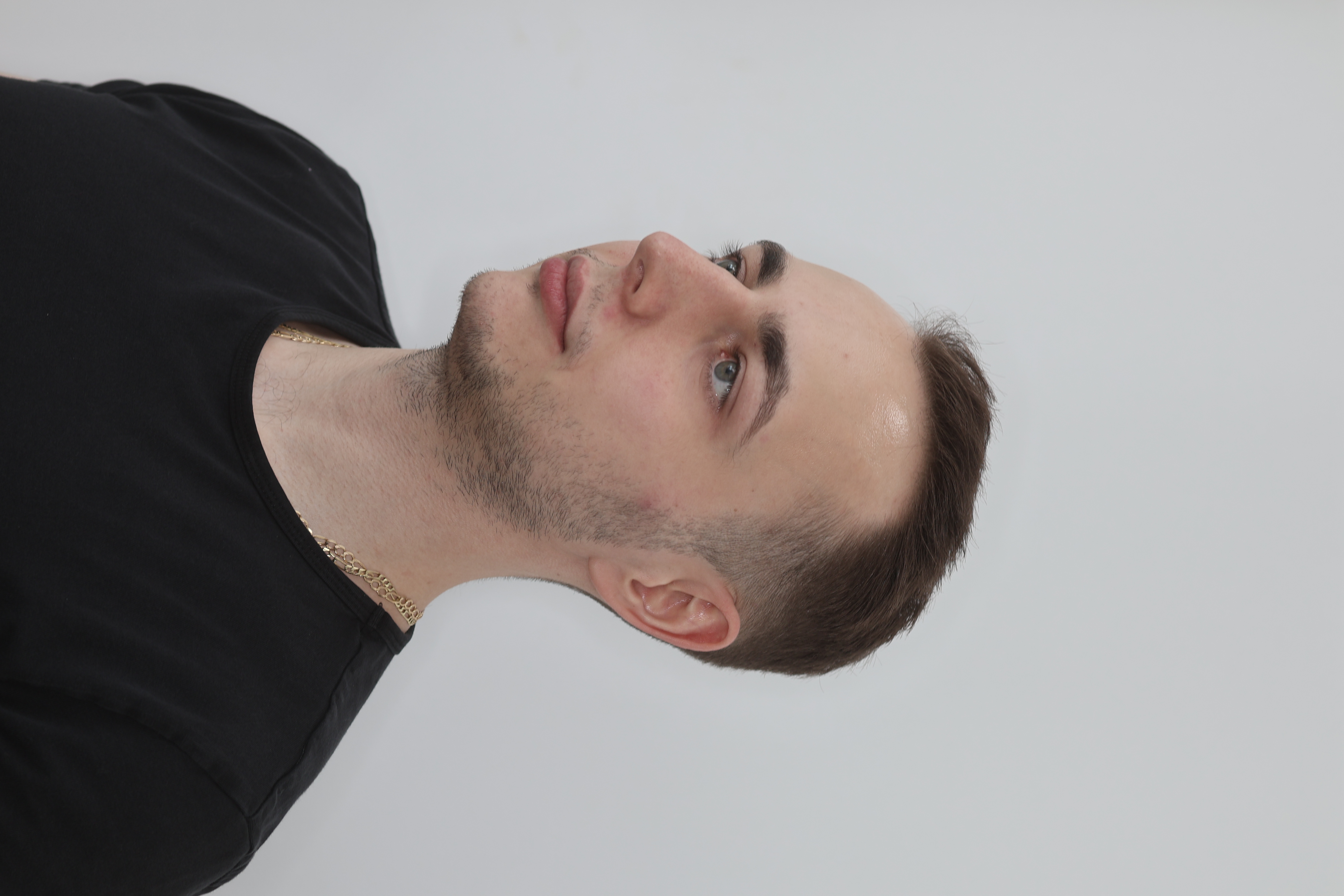
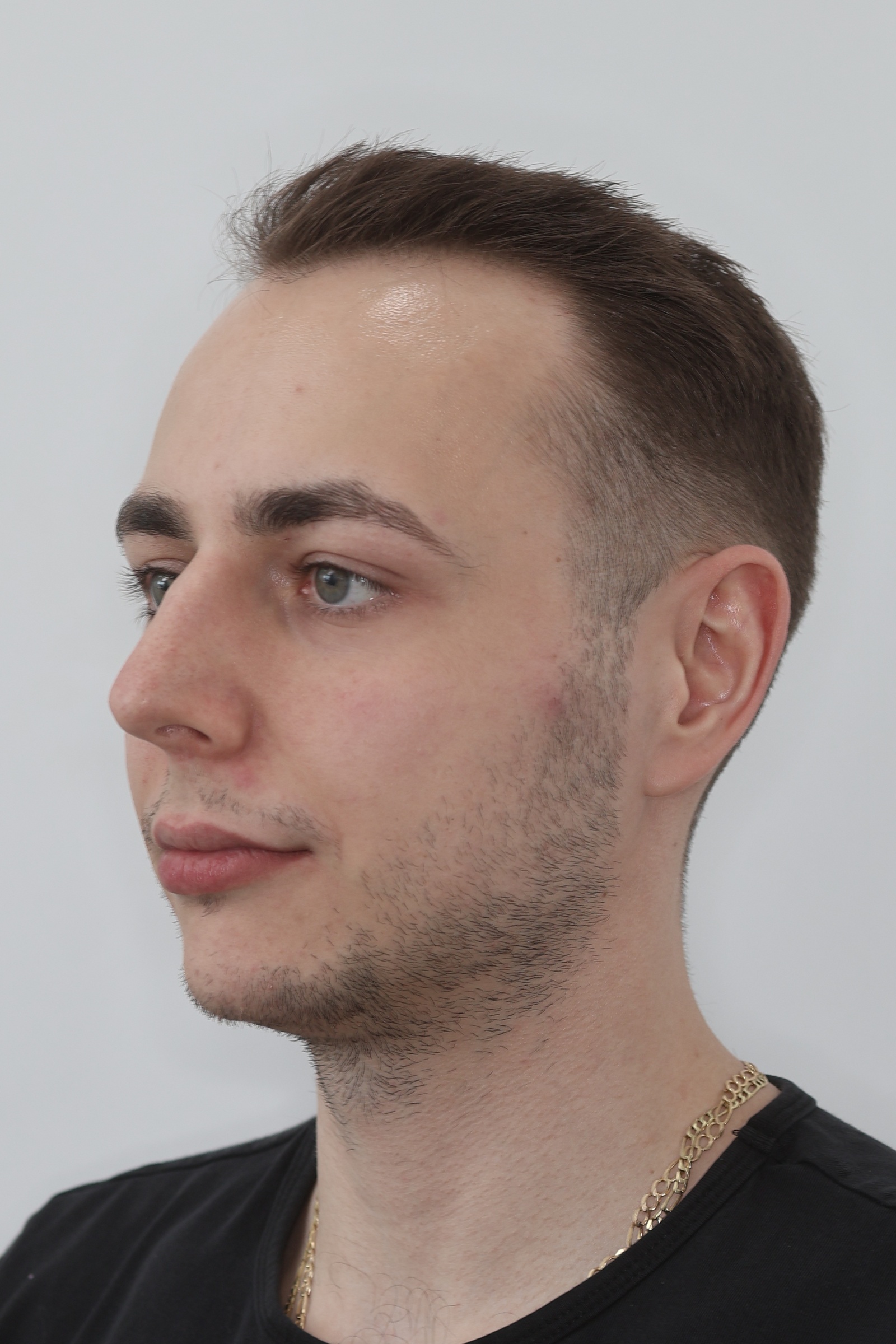
45° view from the left with a smile — dynamic 3D esthetics.
eo-45-levy-usmev.jpg
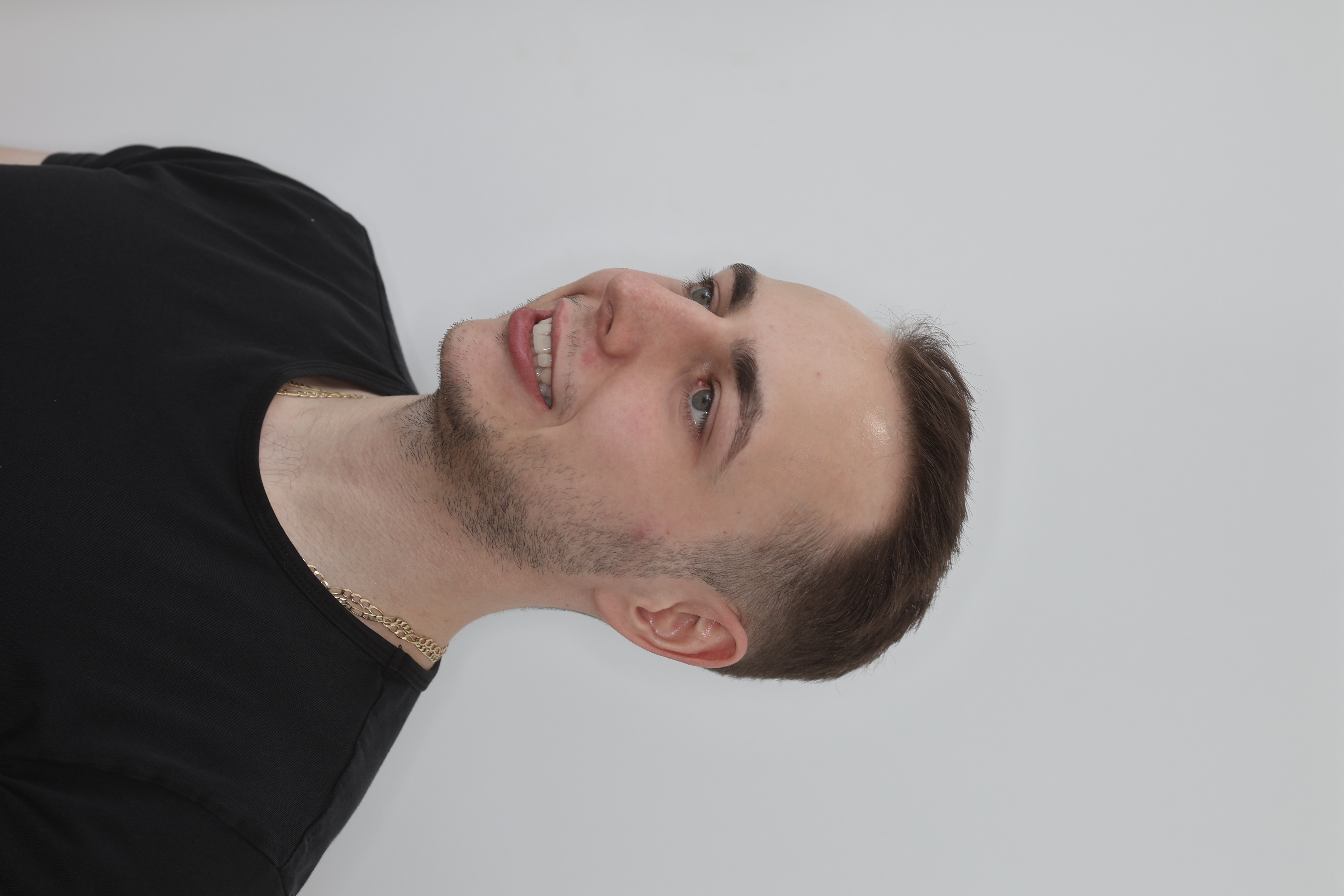
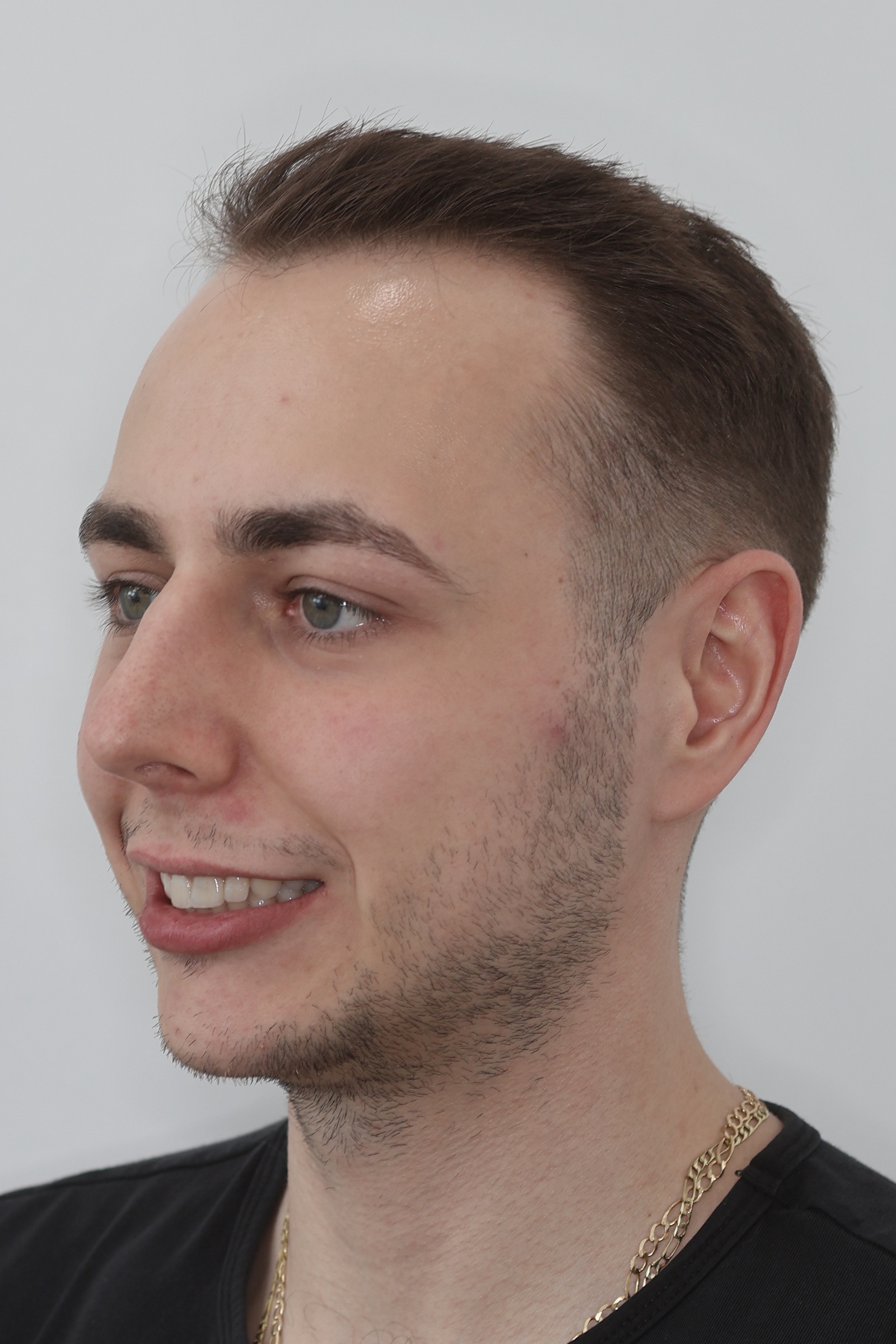
Right-side profile — symmetric comparison with the left.
eo-pravy.jpg
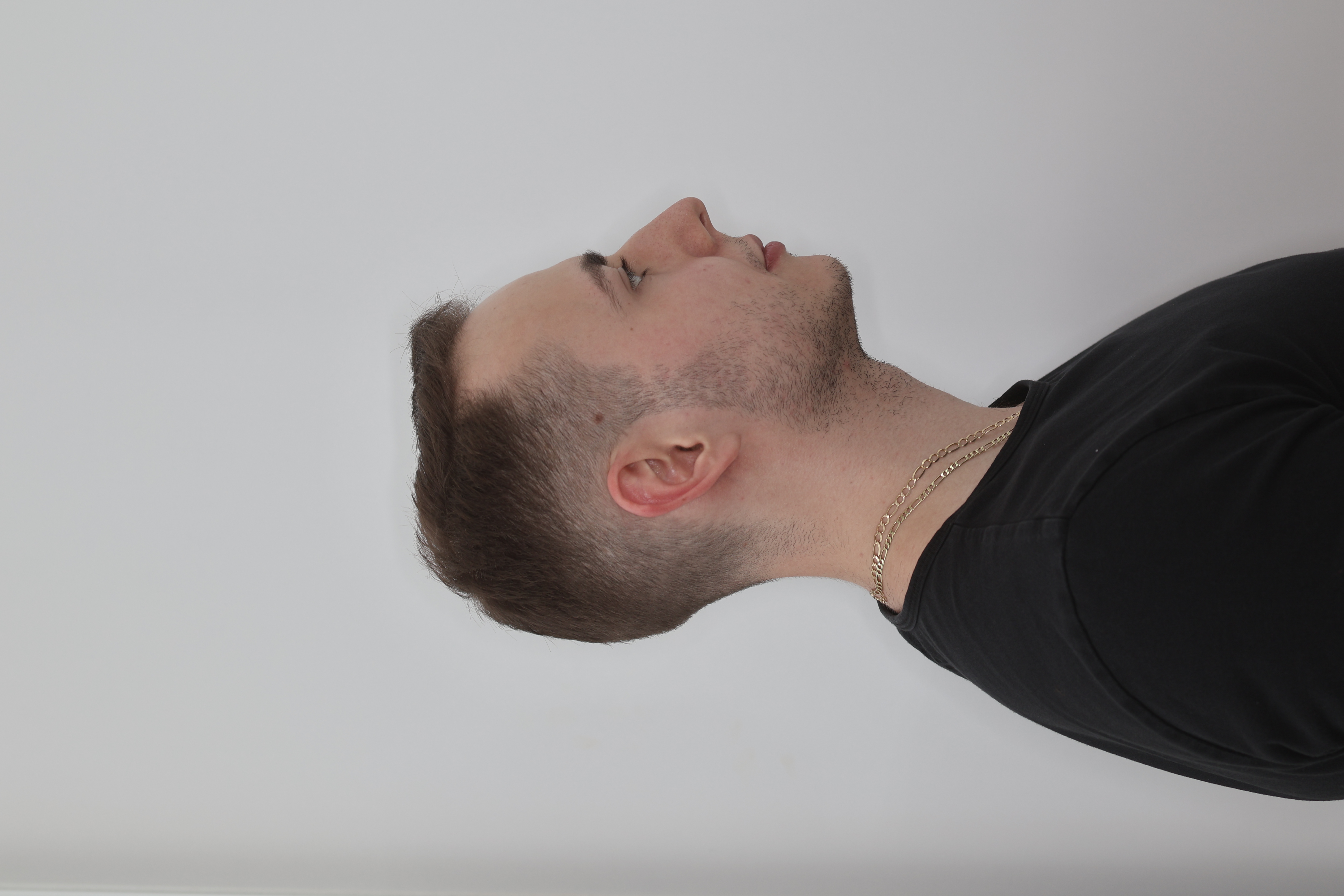
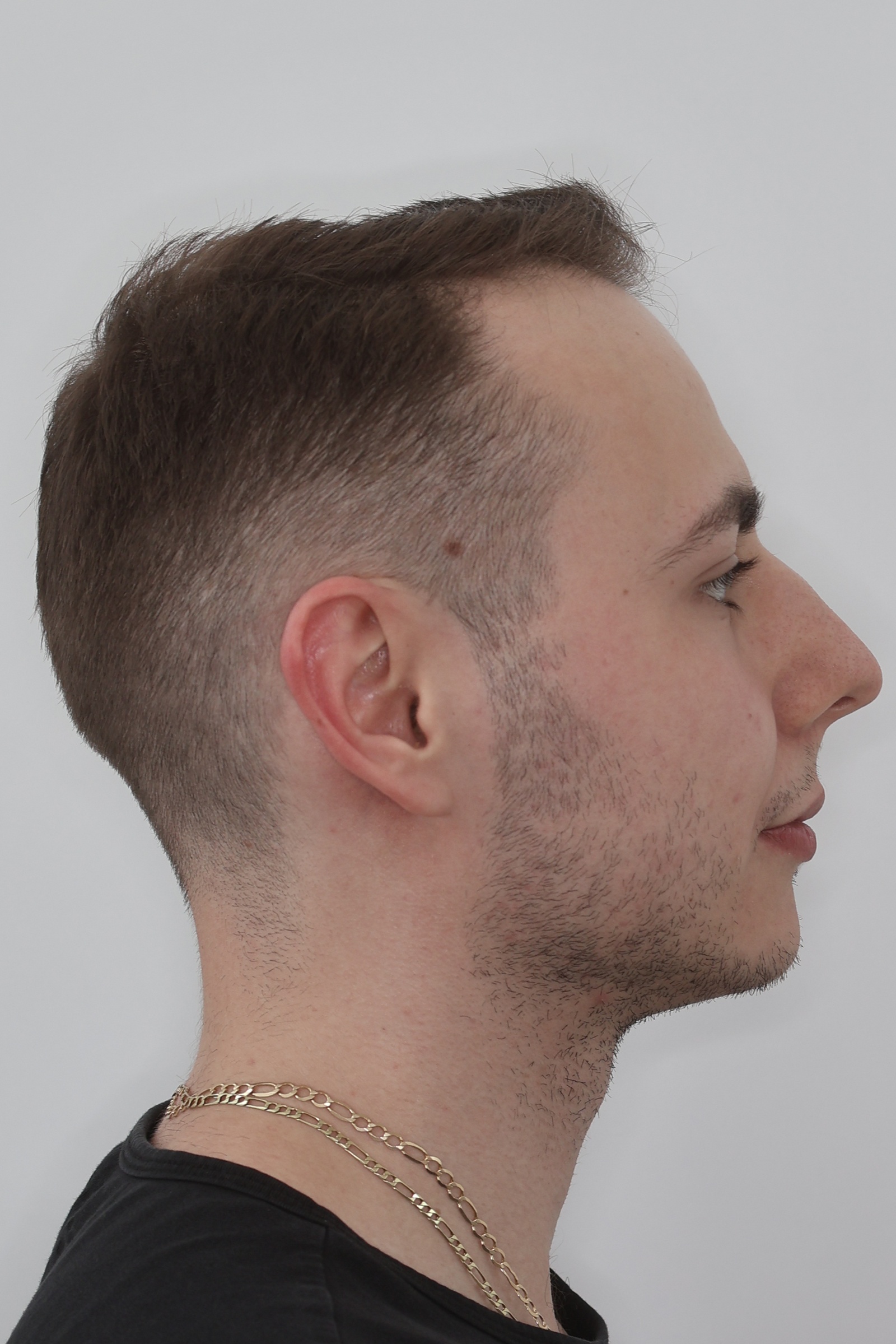
Right-side profile in a smile — dynamic lip and tooth esthetics.
eo-pravy-usmev.jpg
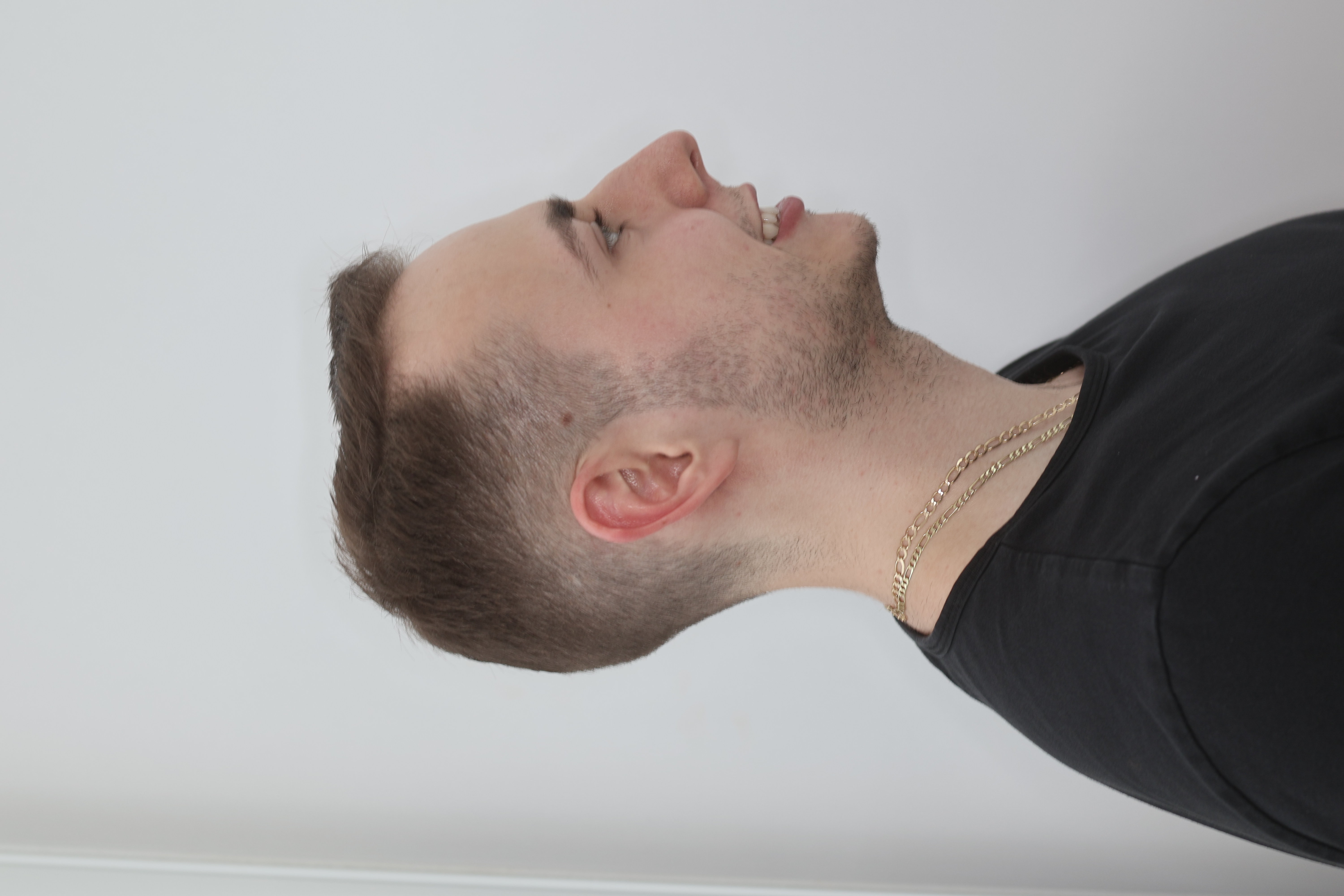
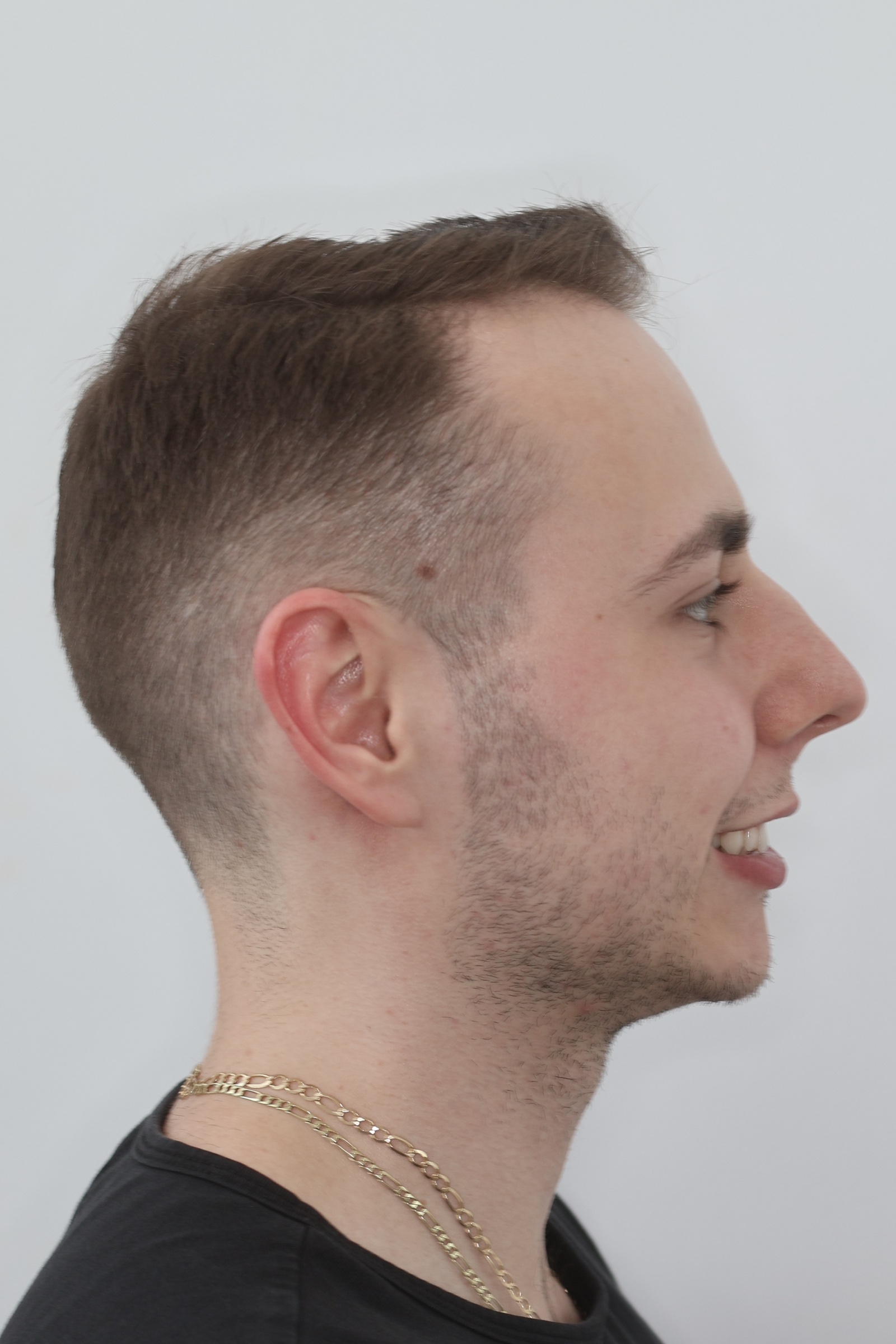
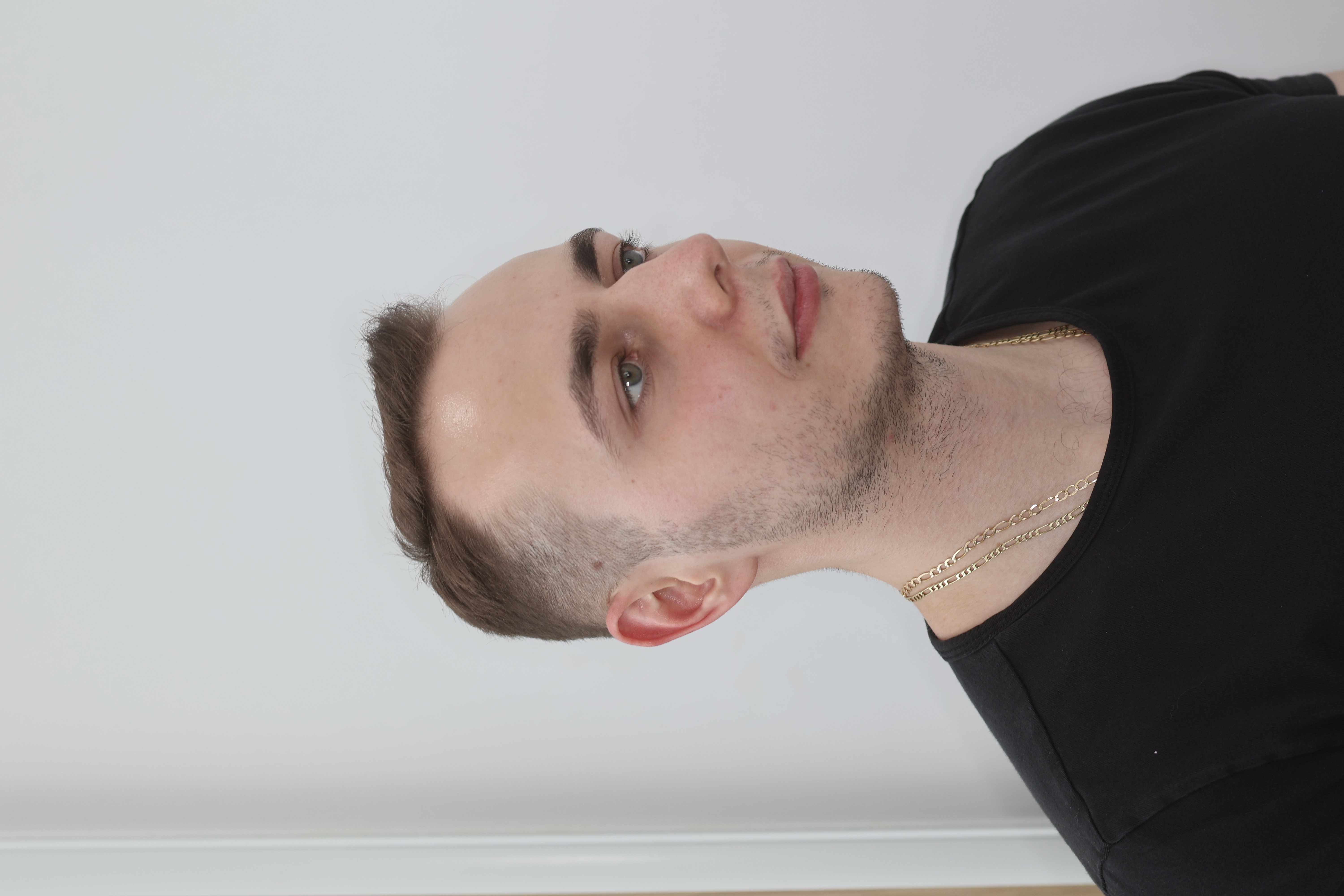
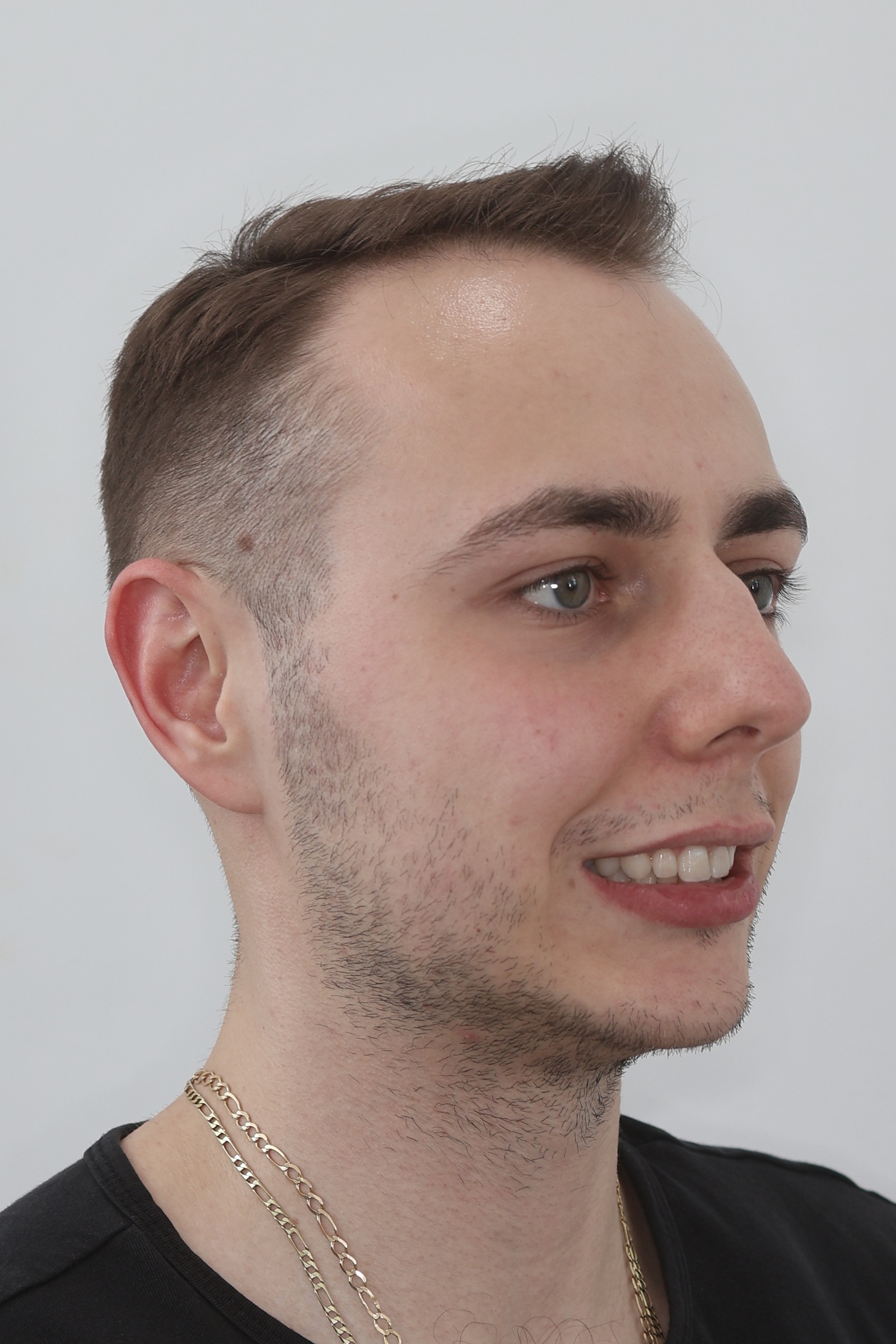
45° view from the right — symmetric comparison with the left.
eo-45-pravy.jpg
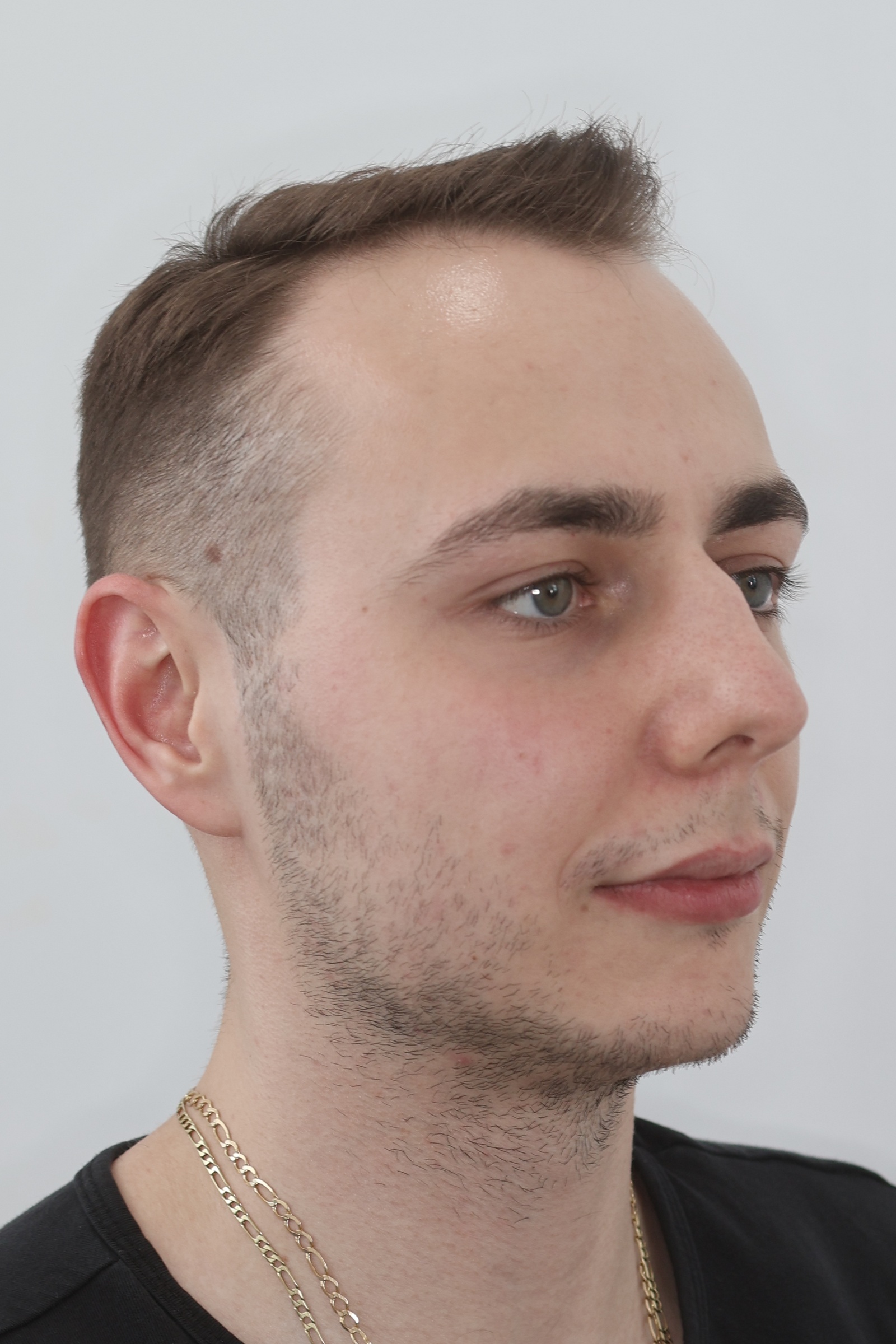
45° view from the right with a smile — dynamic 3D esthetics.
eo-45-pravy-usmev.jpg
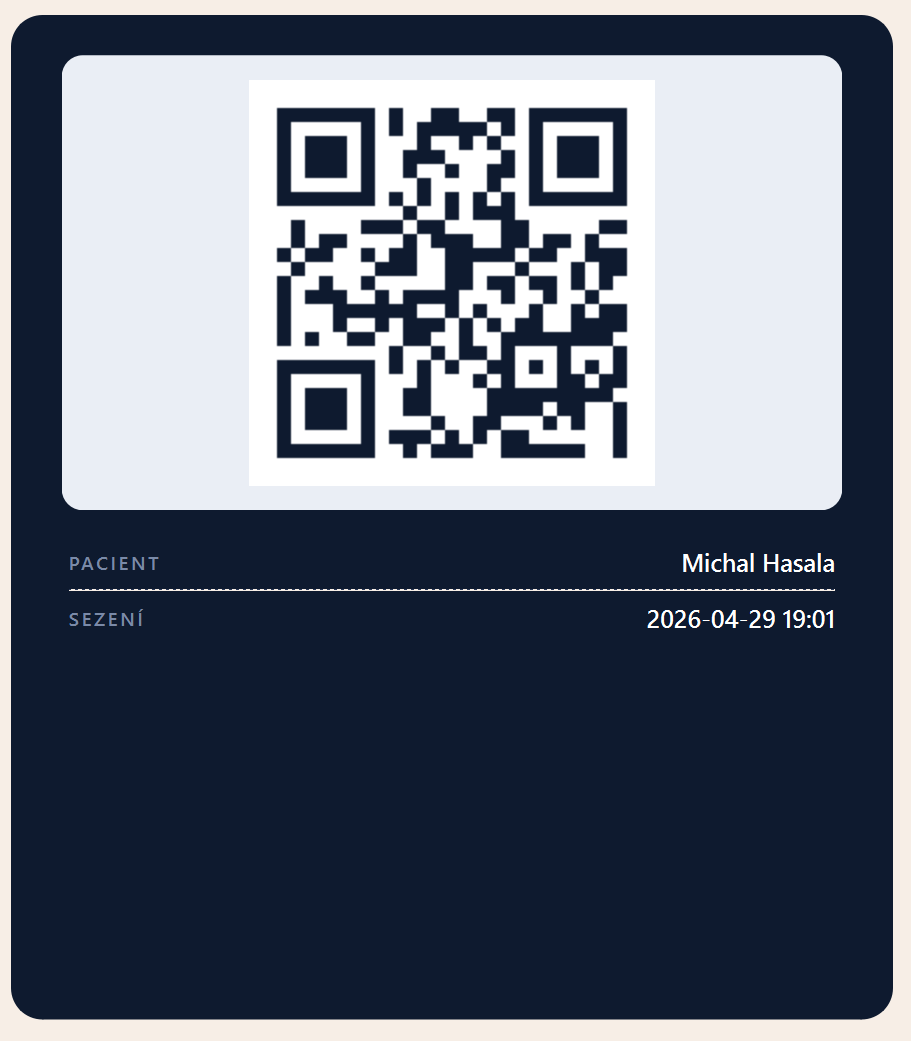
Captured at the start of every session. SmileCrop detects it and assigns all photos to the correct patient.
The first frame of every session — SmileCrop reads the QR and assigns all subsequent photos to the correct patient.
qr-pacient.png
14 days free. No credit card. Works on your existing clinic PC.
Windows 10/11 · Mac coming soon · For dental clinics